Simple Celebrations : 5x7 Baby Photo Books
Tags:
Here's a little something new I have been working on for Designer Digitals.
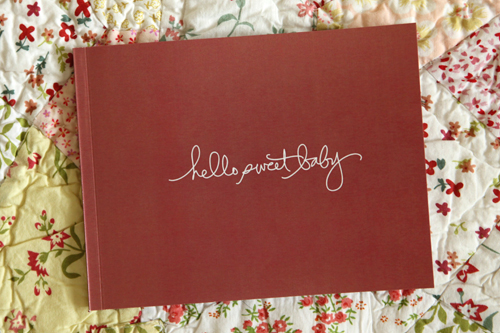


This is
the first of a new series of small books I am developing called SIMPLE CELEBRATIONS that work with the 5x7 soft-cover photo books available at Shutterfly.
This past weekend a baby pink version, a blue version, and a brown/neutral version became available.
You can view my pink book in the Shutterfly gallery here.
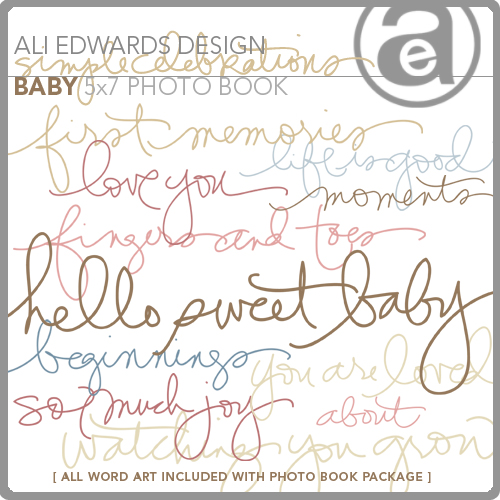
Each package includes 11 .jpg simple sentiment files that are ready to upload to Shutterfly and be added to one of their 5x7 soft-cover photo books (upload just like you would your photos).
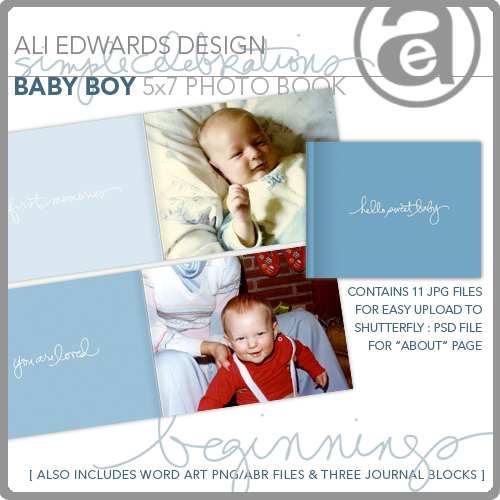
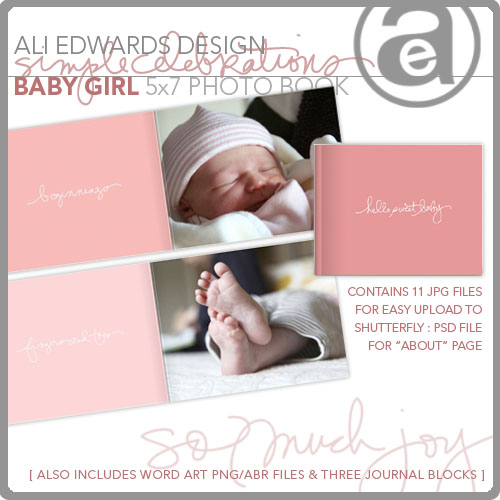
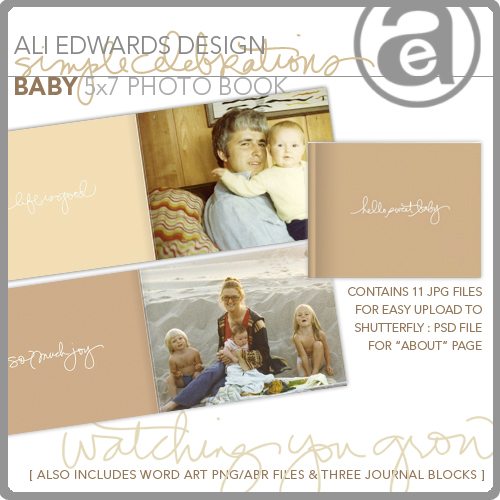
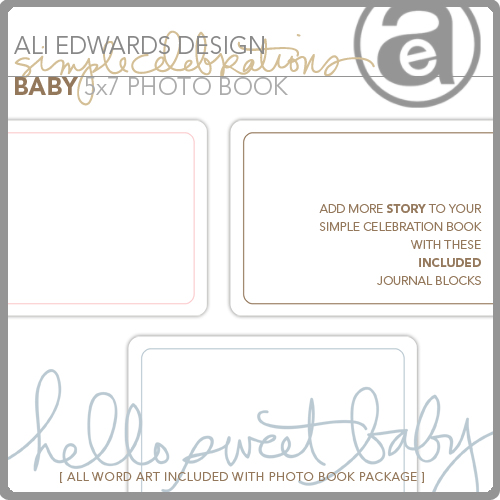
Each package also includes the word art as separate .png files and three journal blocks (see below) so you could easily add more text if you wanted (or a space for notes to be written directly into the book after it is printed).
EDITED TO CLARIFY : The journal blocks and the separate word files (.png) can be added to the sentiment pages in a photo-editing program (such a Photoshop Elements), saved as .jpg's and then uploaded to Shutterfly to add to the book/print.
PLEASE NOTE :Make sure that you turn off vivid pics before printing through Shutterfly otherwise you will get less than desirable results with the colors.
In addition, Shutterfly is currently running a promotion on photo books: End of Summer Photo Book Sale: 20% Off Photo Books. See site for more details. Offer Valid from August 08.13.09 to 09.01.09.
These books make lovely, simple gifts for grandparents, friends, and family.


Comments
Sign in or sign up to comment.
58 comments
You only need to buy one + then you can use it multiple times for personal use (making one as a gift is personal use) :).
Replies
Sign in or sign up to reply.
Outstanding! Off to explore whether I can use this with my software, Jo x
Replies
Sign in or sign up to reply.
Ali, the book is great. I always love your designs. Are you going to be designing more for other subjects?
Replies
Sign in or sign up to reply.
Yes - happy to take requests too. I saw someone mentioned wedding in the comments above. Will be adding that to my list.
Replies
Sign in or sign up to reply.
I just purchased these for an album for my granddaughter. How do you upload the separate word and journal files to shutterfly to include in the book? I am not familiar with that file. I can see the words and the journal pages in My Pictures file where I downloaded from Designer Digitals but I can't upload them as they are not jpeg. Clarification, please!
Terri
Replies
Sign in or sign up to reply.
Oh so lovely, I'm thinking what a spectacular gift that would be...
Replies
Sign in or sign up to reply.
Hey Terri - to work with the journal block files + separate word .png files you will need to use a photo-editing program (like Photoshop Elements). You would set up the page how you want it (adding journal block + text, etc), save it as a .jpg and then upload to Shutterfly.
Replies
Sign in or sign up to reply.
Ali,
I noticed your book had black pages at the beginning and at the end.. How do you get it to be that way? Even though I picked the "Classic Black" those pages for me are saying they will end up being white...?
And how do I get my spine to be the same pink color as the front and back of the cover? Did you use the blank pink page for the back?
Replies
Sign in or sign up to reply.
Very pleased, lovely Anna.
My English is weak. I want to know better, thanks to your blog and beautiful photos, always inspired
Replies
Sign in or sign up to reply.
Love this idea!! Thanks! And Anna is so beautiful! Ali, do you know if this can upload to other online photo companies (like snapfish)?
Replies
Sign in or sign up to reply.
Hi Andrea - the black pages just show up on the slide show not in the printed version. When creating my book I chose "print your digital" from the drop-down menu of style choices (vs. classic black, baby, birthday, etc). For the spine I just used the same page as the cover and moved it over so the word is hidden. I used the blank page for the back.
Replies
Sign in or sign up to reply.
I would guess it would work if they have a 5x7 book - these pages are a bit bigger (designed for the shutterfly page size). Always worth a try :).
Replies
Sign in or sign up to reply.
Ali, can you please elaborate on getting the spine the same as everything else - I'm having troubles!
Replies
Sign in or sign up to reply.
Sweet, simple, and beautiful! =)
Replies
Sign in or sign up to reply.
For the spine select the same file as the cover (you may need to add it to your photobook again to be able to select it - click "get more pictures" to add it again). Once you have selected an image for the spine, click on the spine and a new window will pop up. From there you can move the image to the left or the right so that the word is not on the spine.
Replies
Sign in or sign up to reply.
Thank you Thank you!!!
Now, I just want to make sure I'm understanding this correctly: the front and the back of the covers are different colors, right?
Replies
Sign in or sign up to reply.
If they are different colors, is there a way to make the back of the cover the same as the front?
Replies
Sign in or sign up to reply.
LOVE THIS!
Replies
Sign in or sign up to reply.
I love your ideas Ali and that you continued to be inspired. I am thinking these would be great for my nieces and nephew. Now to find the time!
Replies
Sign in or sign up to reply.
LOVE this concept. Look forward to seeing other themes.
Replies
Sign in or sign up to reply.