The Details : Scrapbook Layout
Tags: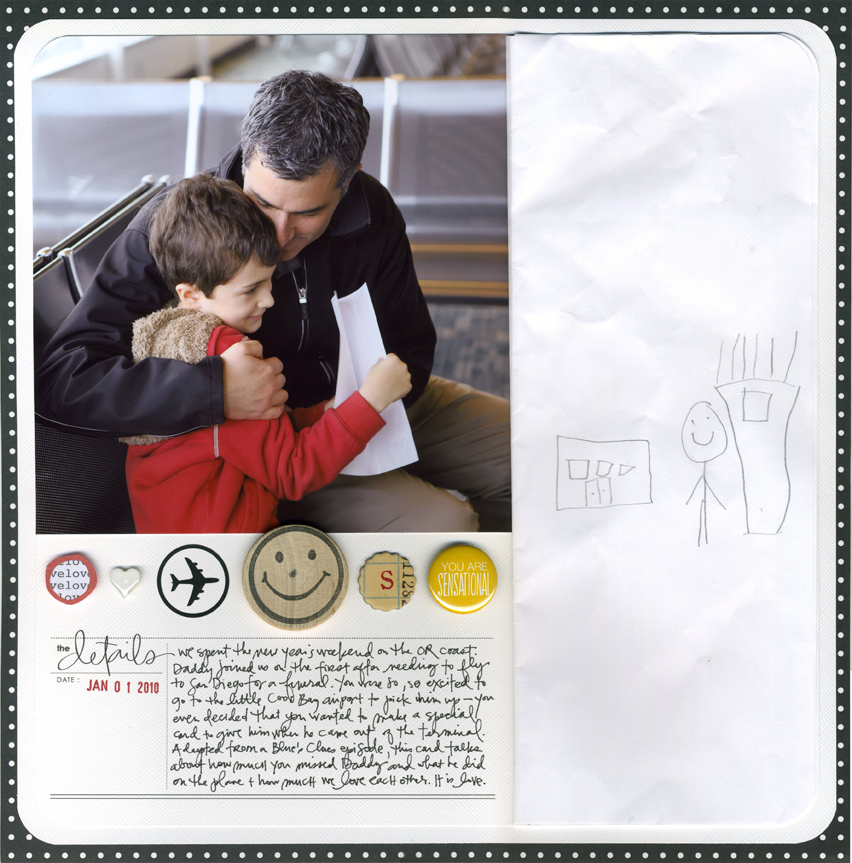
I am working on a video tutorial this morning demonstrating how to adjust title & journaling blocks such as this one in Photoshop Elements to fit the story you want to tell. Details and step by step instructions/images/process coming later today.


Comments
Sign in or sign up to comment.
24 comments
It's something with internet explorer - I am trying to figure out what's up. It's viewing fine in Firefox and Safari.
Replies
Sign in or sign up to reply.
Ali,
Please Please put on your to do list writing a book about hybrid scrapbooking or maybe offering a BPS class. I've followed your work for years, loved the BPS Y&T class, and I appreciate this series on your blog so much. Software changes so fast it might be hard to do a book, maybe an online (and updatable) book or the BPS class would be the way to go. There is certainly a need that isn't completely filled by the all-digital scrapgeniuses out there.
It's also so nice to have instruction from a Mac person.
Another emphasis of yours that I appreciate is that photos do not have to be perfect. If I spend 45 minutes altering a photo in PSE, I've lost half my Saturday scrapping time (on a good day :-). So it's a relief to see that a page can look great without perfect photos.
Thanks for all you do --
Peaches
Replies
Sign in or sign up to reply.
Ali, thanks so much for doing these tutorials! I have always been intimidated by elemnts and digital scrapping in general. I have now created 2 layouts that are completely digital ( of course with your products at designer digitals)! Please keep these mini tutorials up! They are very much appreciated!
Replies
Sign in or sign up to reply.
I love, love, love the perfect sized journaling template you made for your POTD project...I would be awesome to have a template available at Designer Digitals with a sheet of those blocks for either journaling or to mask out pictures!!
Replies
Sign in or sign up to reply.