December Daily 2010 | Creating A Foundation
Tags: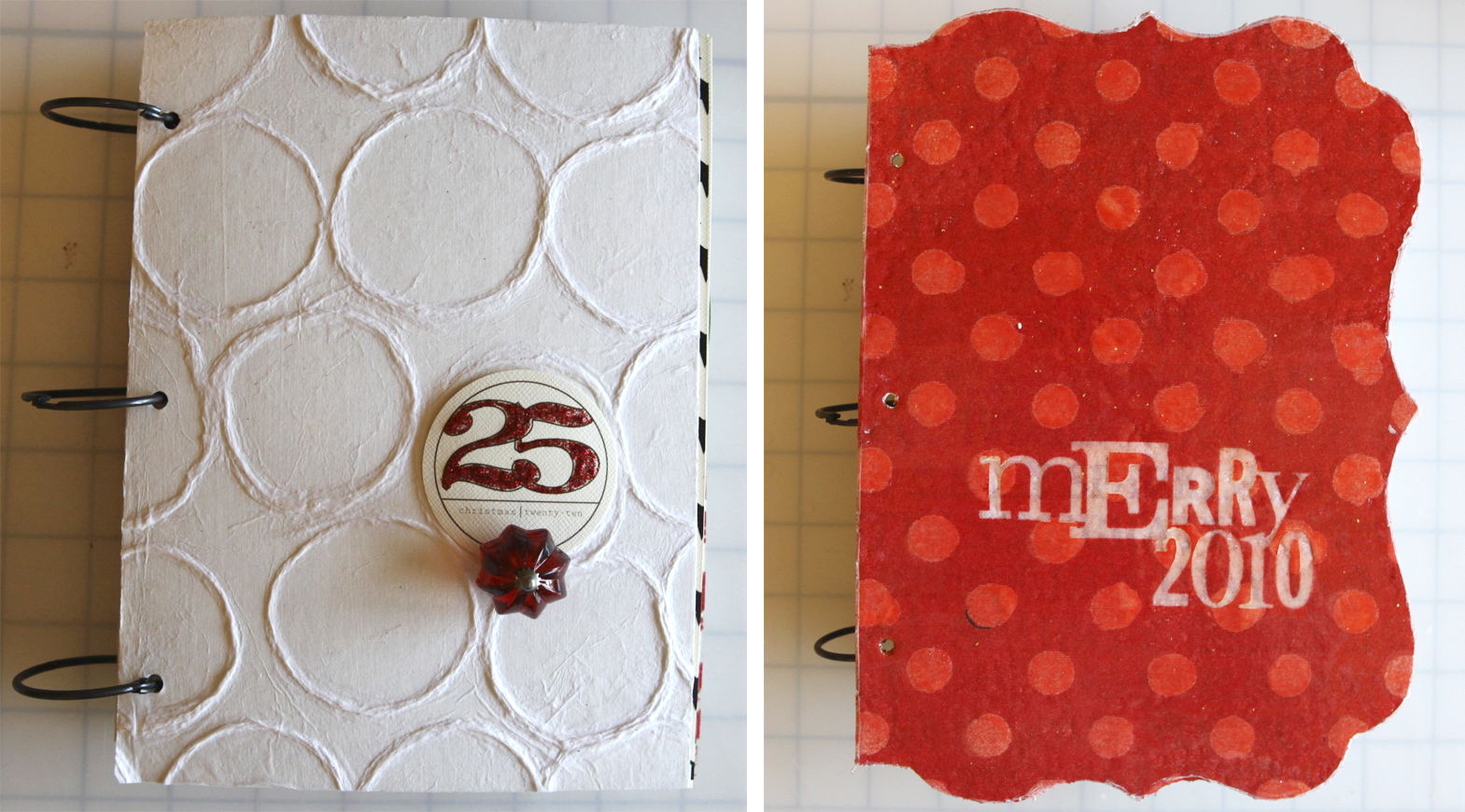
Hello December Daily 2010.
I know many of you out there are thinking, "how can you even be thinking about Christmas?" I totally get it. Completely. I'm really all about my pumpkins and planning a Halloween party right now. But here's the deal: I also know, from a few years of experience, that planning ahead is really the key to enjoying the process of daily documentation during December.
If this is your first time embarking on the December Daily project or if you'd like a general refresher I recommend checking out my December Daily compilation page for many more details and ideas (and to see how its evolved from year to year with a complete listing of all the posts). You can also check out my past December Daily projects in a portfolio format here: 2008, 2009.
If you're here for round two or three or four, welcome back.
Today is the beginning of a series of posts about creating a December Daily album. The basic idea behind this project is to create an album that will hold your 2010 December stories. My album runs from December 1 through December 25th - some people choose to go through the end of the month but I've found that by the time Christmas hits I'm ready to move on to the next thing.
There are so many different ways to approach this project:
Some people make it a game to use what they have on hand (all those years of stocking up on holiday products and then making one layout is paying off). If this is you, your goal over the next week is to get all your stuff in one place.
Some people mix old products with new products (this is me).
Some people do all digital albums.
Some people do a mixture of digital and paper (this is me too).
Some people do big albums and some people do really small ones.
Today's post will be an overview of my 2010 album. Next week I'll post step-by-steps for a couple pages, go into more details about the cover options with step-by-step images, and include a couple video tutorials on how to work with the printable elements I'm using in my album.
After next week you won't hear much about this album again until it gets much closer to December. Beginning on the 1st or 2nd of December I'll post my completed page and include information on my process, the story, supplies, etc.
DIGITAL ALBUM:Wondering about a full digital album? I've got a new set of products in the works that should be in the shop next weekend. Look for another post on that coming soon.
APPROACH + PROCESS
Each year when I start thinking about my December Daily album I like to do things a bit different - usually nothing drastic but enough of a change to keep it interesting. This year the biggest change you'll notice is that I've keep all the pages the same size. If you take a look at my past albums (2008 or 2009) you'll see that the pages are a mixture of sizes. This year I decided to keep them all 6 inches x 8 inches.
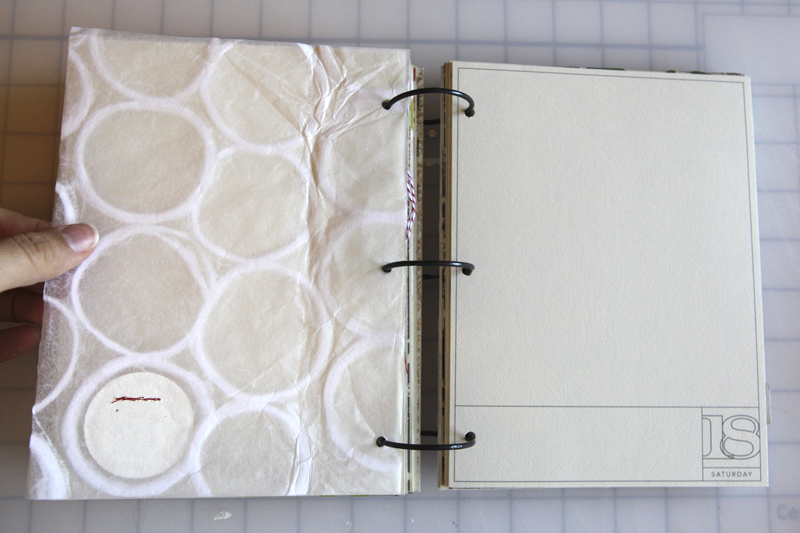
Another change? I made two different album covers this year: one using the Teresa Collins Bracket Shape Covers and a second one using recycled chipboard. The Teresa Collins Bracket Shape Covers were covered with sticky back canvas, painted, misted, and embossed - I'll show the full step-by-step next week. The second option, the one with the white circles, uses a sheet of specialty paper (working on a source) adhered on top of a piece of recycled chipboard trimmed to 6x8. I'm still not sure which one I'm going to use but I'm leaning towards the white one.
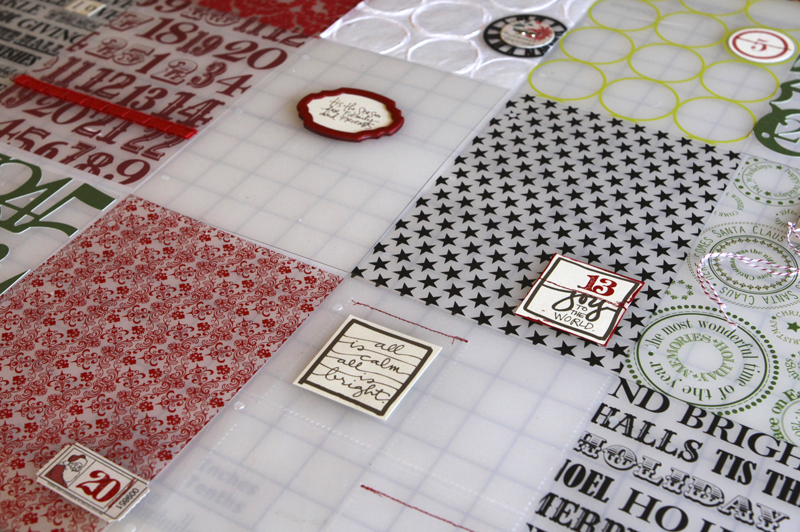
In terms of the process for putting this album together, my biggest suggestion is to break it down into small tasks and tackle one thing at a time. One project is cutting the transparencies to size. One project is pulling out numbers to add to the transparencies. One project is printing + cutting out the hybrid pages. One project is punching holes. Get the idea? Are you seeing why I like to work on this part in advance?
INSIDE PAGES | THE FORMULA
The formula for my 2010 album is very simple: a printed transparent page with a date and/or embellishment + a . Repeat. Repeat. Repeat.
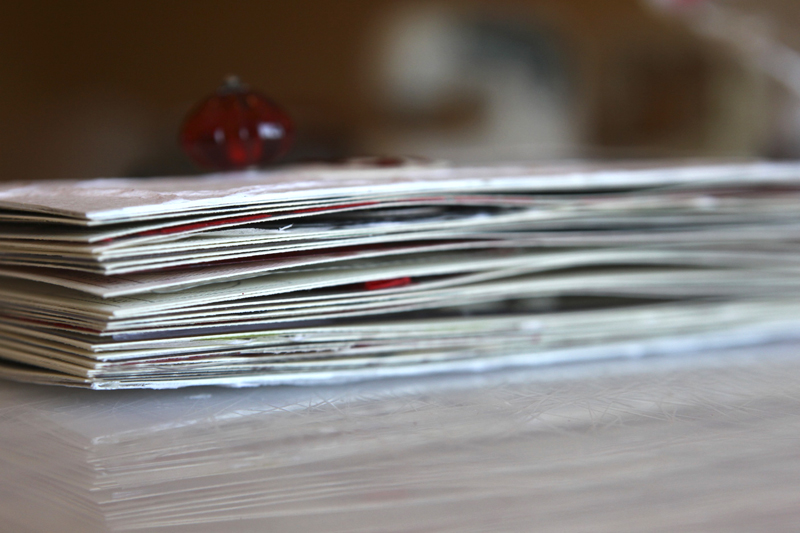
Each and every page is 6 inches x 8 inches.
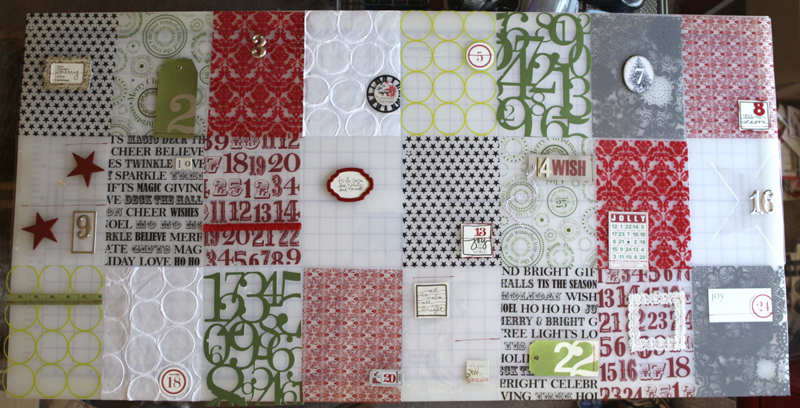
Here's a look at all the transparent pages laid out on my table:
If you're interested in making one similar to my 2010 book here's the basics of what you'll need:
13, 12x12 transparent sheets (see below for a supply list of the ones I used) that will be cut so you get 2, 6x8 inch pieces from each sheet.
My 2010 December Daily 6x8 overlay package from Designer Digitals for the photo and/or journaling pages. The package includes a PDF file for simple printing if you're not familiar with Adobe Photoshop. The PDF file includes days 1 through 31. Look for a video tutorial on working with this package to come next week.
A front and back cover.
A variety of numbers, holiday papers and embellishments.
A willingness to document the month of December and not stress about making it perfect or capturing every last detail.
A commitment to enjoying your holiday season and being present with your family and friends. I continue to find that the process of participating in this album actually grounds me to the here & now and helps me be more conscious of how I live my holiday season.

Here's a look at the 2010 December Daily overlays when printed on Bazzill Basics Cream Puff (Scrapbook.com 12x12 | 8.5x11) which is what I used throughout my album. You can also view these foundation images via my portfolio (click on an image and then click the arrows to go forward or backward throughout the portfolio).
You could easily wait to print these out until December and add your journaling right onto the PNG file + print as you go. These could also be placed on top of photos in Photoshop before printing (along with your journaling).
OPTION:One way to adapt this album to your own working style or family stories would be to do all transparencies and skip the printable portion. Your photos could be added in as the additional pages. Or maybe you're more interested in focusing on the words + photos. If that's the case maybe only use the printables and skip the transparent pages. Lots of options. If this is your first time I suggest playing along with me and being open to adapting as you go.

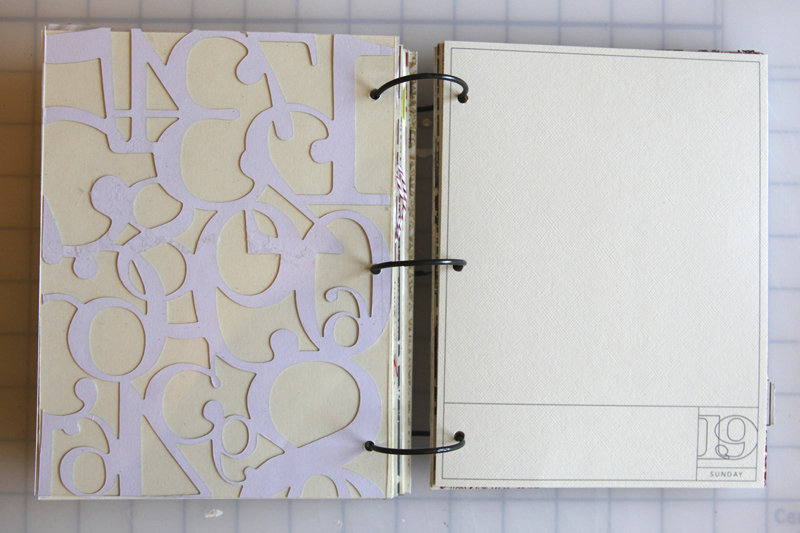
MY CURRENT PLAN WITH THE PRINTABLE PAGES: Above is a look at a sketch of the printable page and a completed page (using a photo from 2009 as a sample). My plan is that those two blocks of space will be used as a home for a photo (or a collage of photos), and/or journaling, and/or pattern paper.
I like that I'm creating a specific foundation for myself that has a bit of structure but will also be flexible when it comes to documenting each day. On some days I envision using that large block of space exclusively for journaling. On those days I might use the small block for a photo that captures the essence of something - a piece of the whole. On other days I might fill the large space with a photo and use the back of the cardstock for my journaling.
NOTE: Two 4x6 inch photos would fit perfectly on the back for those of you that don't print at home and find it easier to use a photo developer to add your photos once a week or at the end of the month.
My goal with these foundation pages was to keep it simple. One or two accents and a number on top of each transparency. There's nothing earth-shattering here. It's a matter of picking out a few things and sticking them down (or stitching them as the case may be) and creating a home for your December content. A couple days don't have numbers (all the printable pages have both the number and the specific day of the week for 2010). Little bits of red machine stitching is the main way I attached elements to the transparencies - staples are always another good option.
You can do this.
Here's a look at the entire foundation:
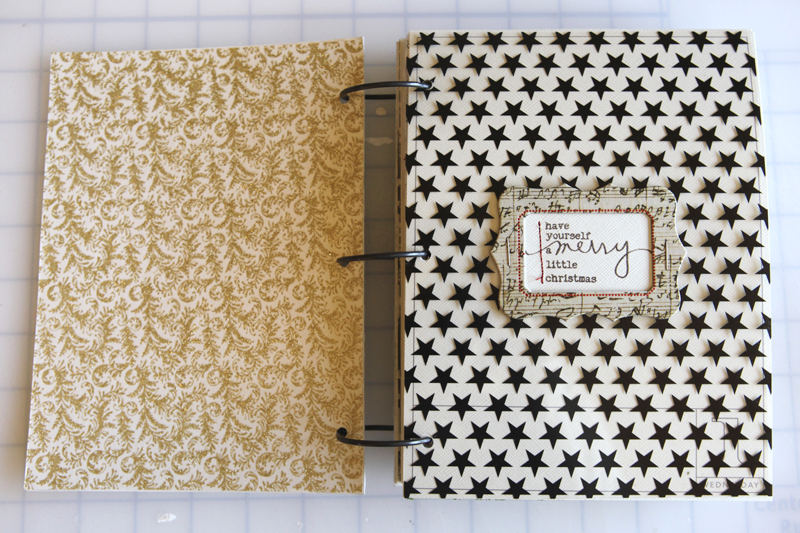
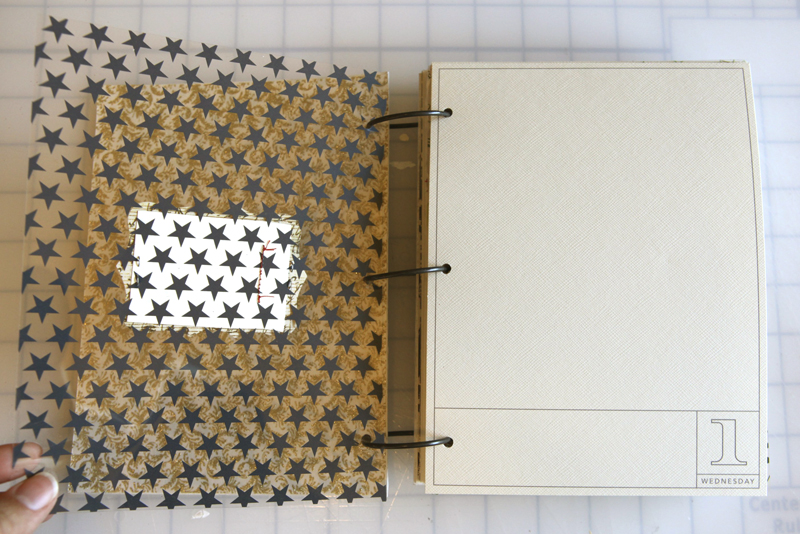
DAY ONE
Anna Griffin Georgette Holiday Collection Double-Sided Cardstock Pack (inside cover)
Teresa Collins Star Transparency
AE for Technique Tuesday Good Cheer Stamps
Red Stitching
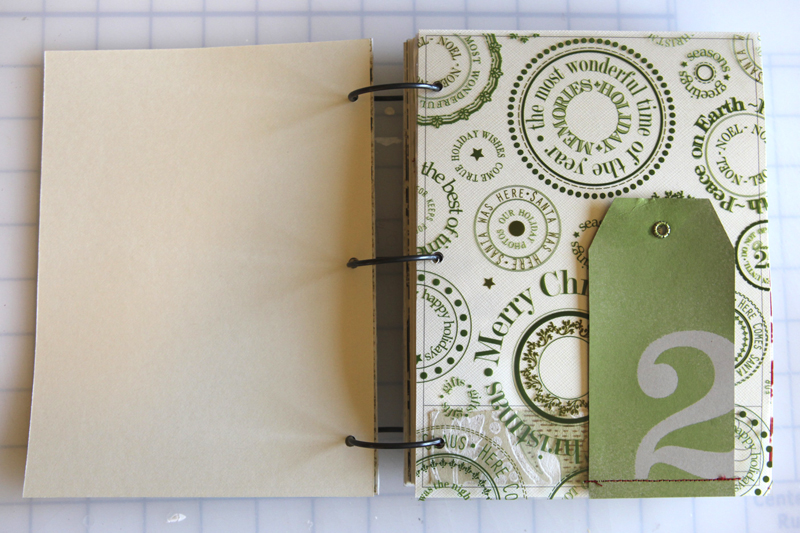

DAY TWO
Art Warehouse Hollyberry Transparency (green is sold out but here's a red one on clearance at scrapbook.com)
Studio Calico Mister Huey Apple Jack Color Mist
Making Memories Number Stickers
Vintage Wallpaper
Shipping Tag
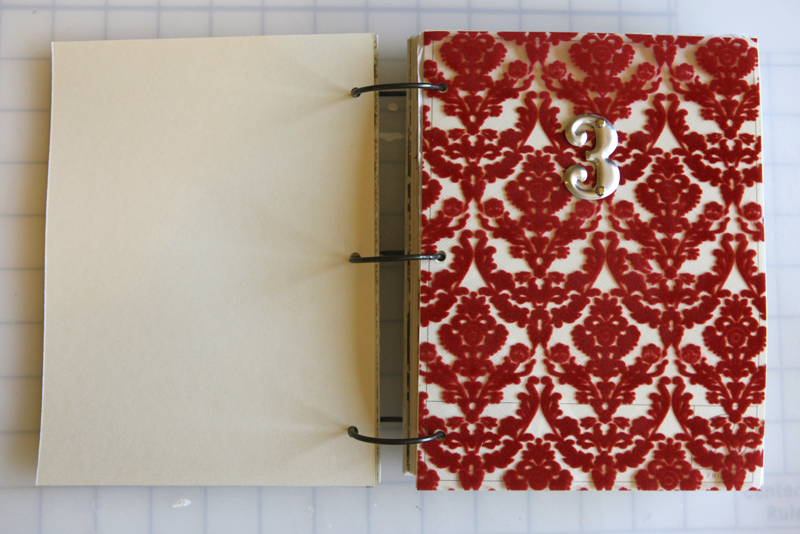
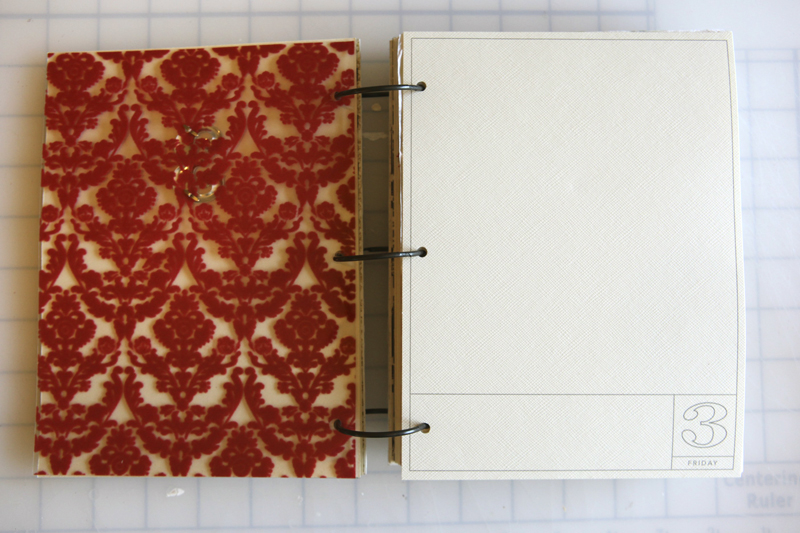
DAY THREE
Fancy Pants Tradition Flocked Transparency
Tim Holtz Silver Numerals: Two Peas | Scrapbook.com
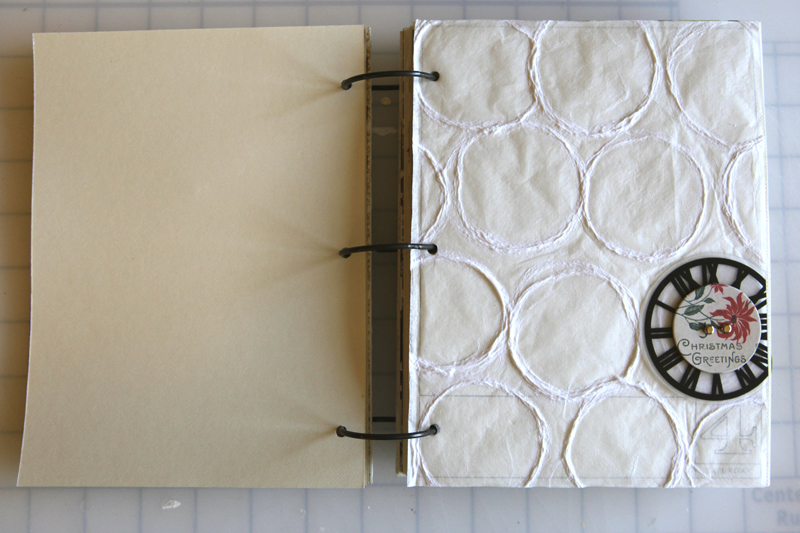
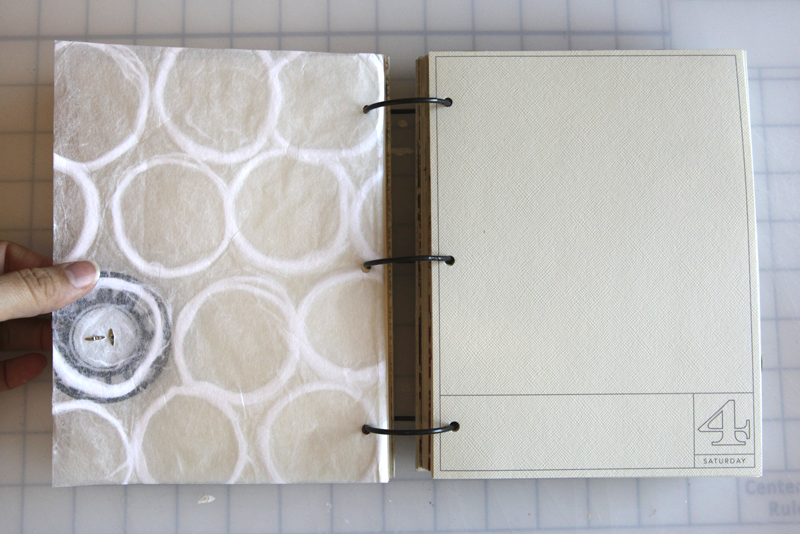
DAY FOUR
White Circle Paper
Maya Road Sheer Clocks
Jenni Bowlin Vintage Christmas Chipboard Buttons: Two Peas | Scrapbook.com
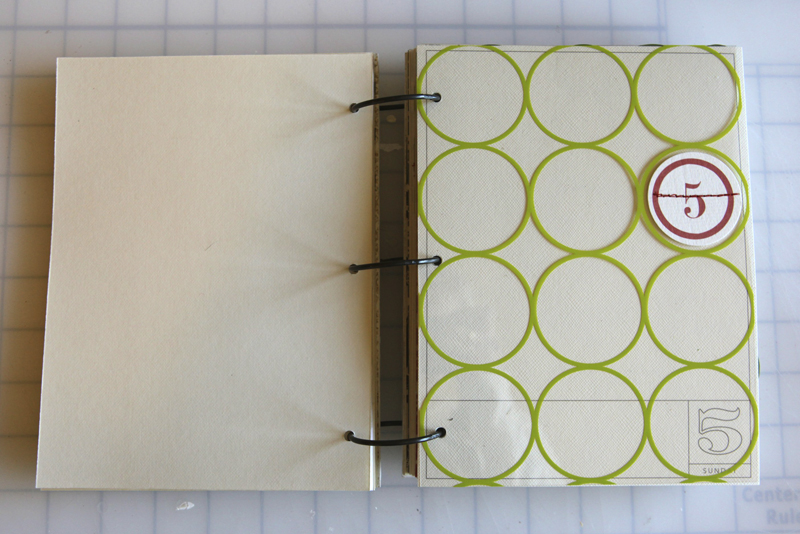
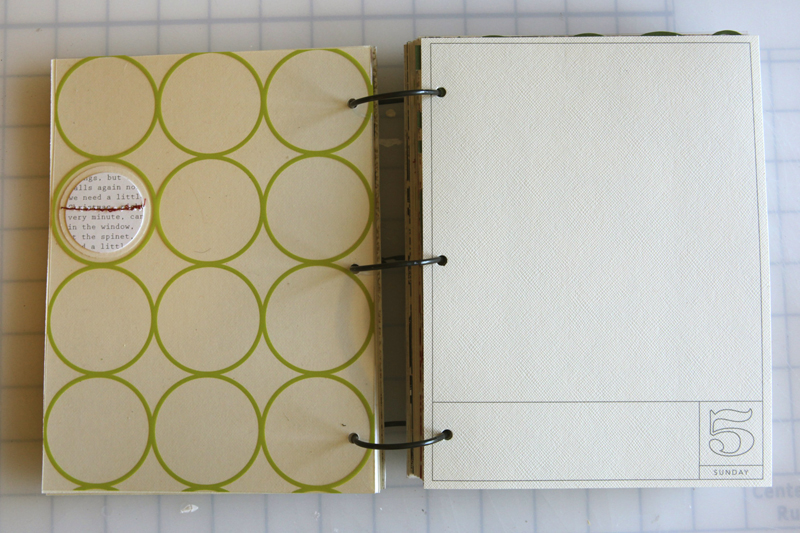
DAY FIVE
Every Jot & Tittle Red Number Tags
Hambly Chic Circles Transparent Overlay
Ormolu Christmas Tag (circle-punched)
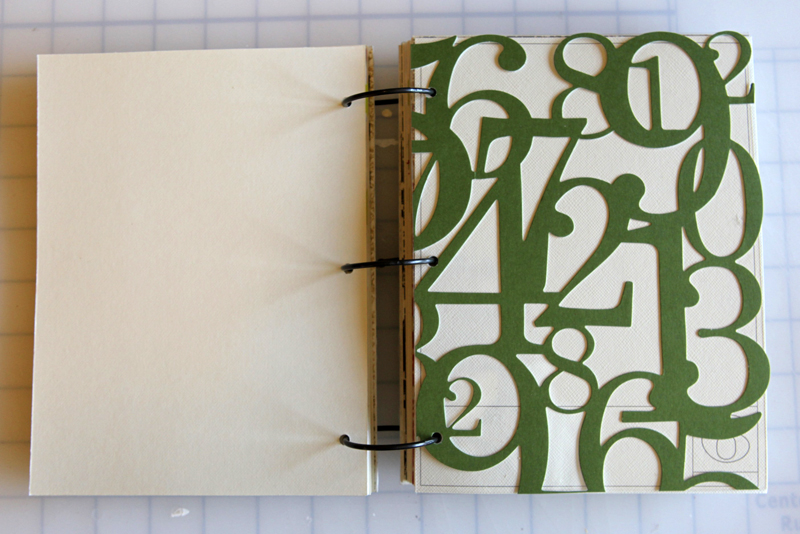
DAY SIX
KI Memories Lace Cardstock Numbers
Hambly Clearly Heavy Overlay
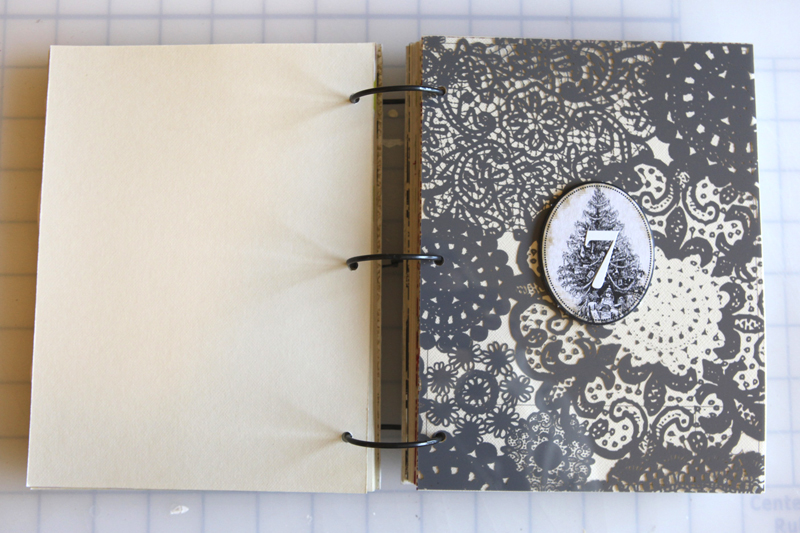
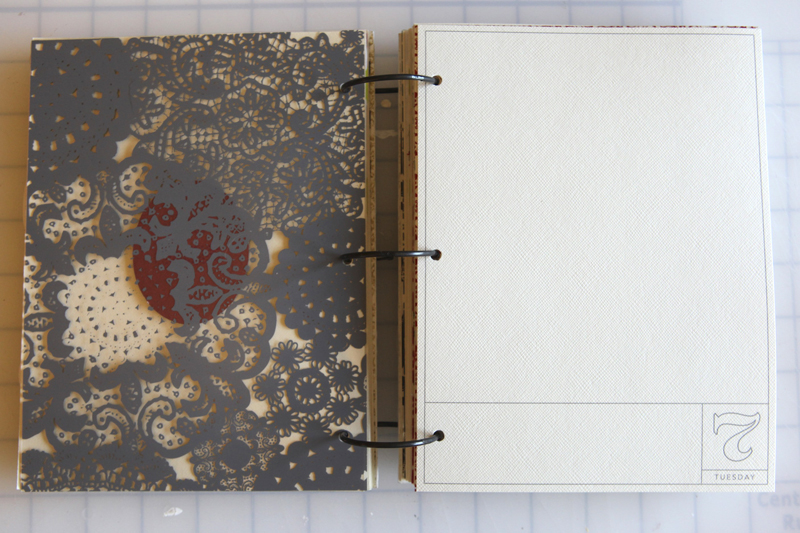
DAY SEVEN
Hambly Grey Doily Decor Overlay: Two Peas | Scrapbook.com
Making Memories Number Stickers
(I think the oval with the tree is from a K&Company chipbox from 2009)
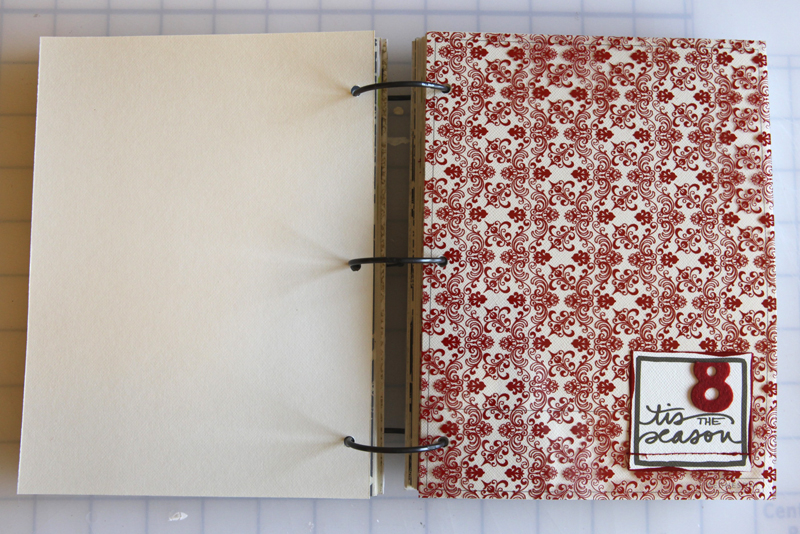
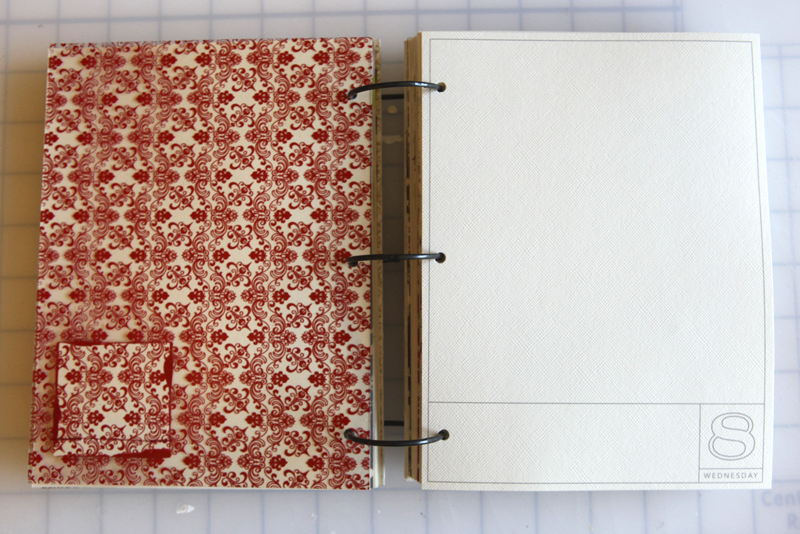
DAY EIGHT
Hamby Red Vintage Plaid (looks like there's no more red, but other colors are available)
AE Christmas Boxes from Designer Digitals
American Crafts Playroom Thickers (in green here)
Claudine Hellmuth Studio Paint Dash of Red: Two Peas | Scrapbook.com

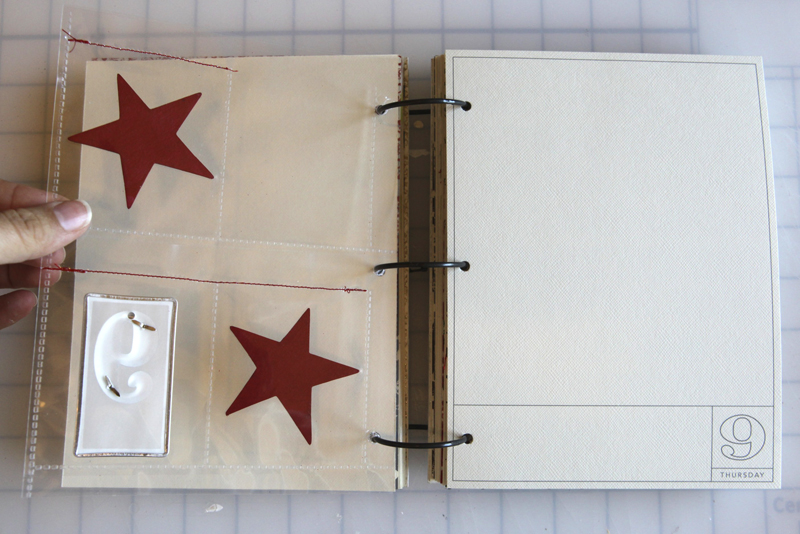
DAY NINE
8.5x11 Baseball Card Page Protectors
Bazzill Basics Star Chips (painted red)
Making Memories Metal Rimmed Tags
Tim Holtz Silver Numerals: Two Peas | Scrapbook.com
Claudine Hellmuth Studio Paint Dash of Red: Two Peas | Scrapbook.com
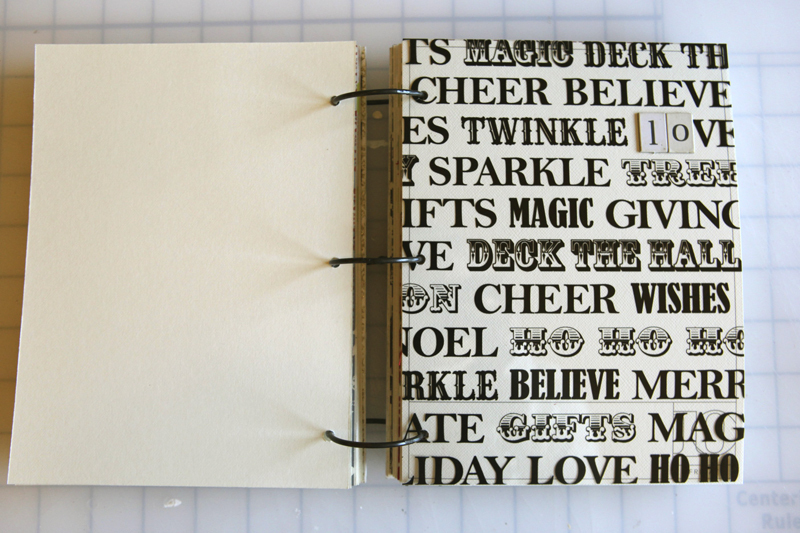
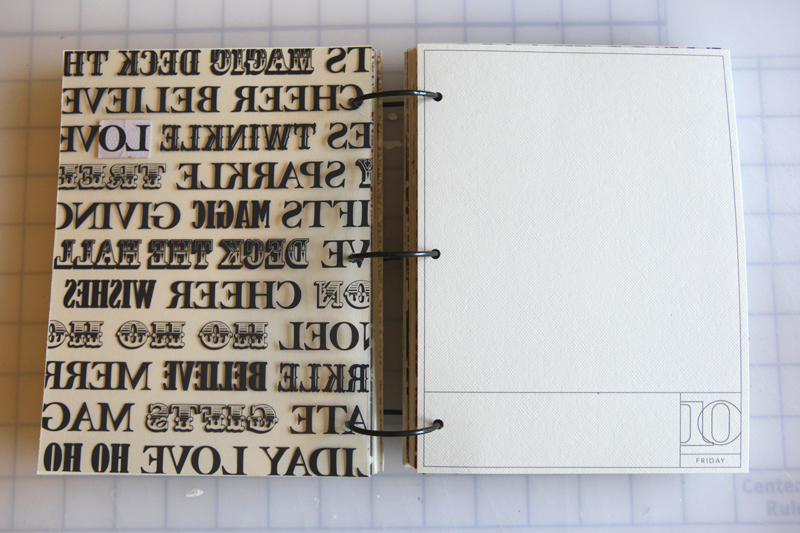
DAY TEN
Teresa Collins Noel Collection Christmas Transparency
The Girls Paperie Eclectic Chipboard Alphabet: Two Peas | Scrapbook.com
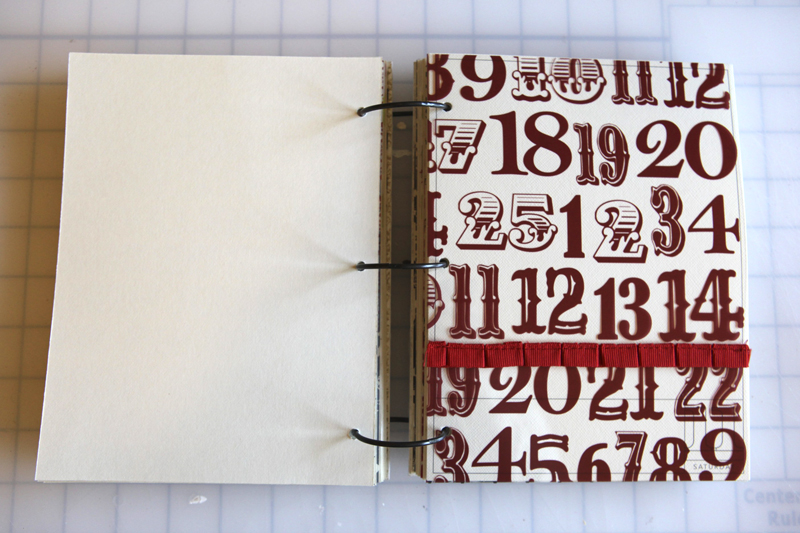

DAY ELEVEN
Teresa Collins Red Number Transparency
Maya Road Grosgrain Pleat Ribbon: Two Peas | Scrapbook.com
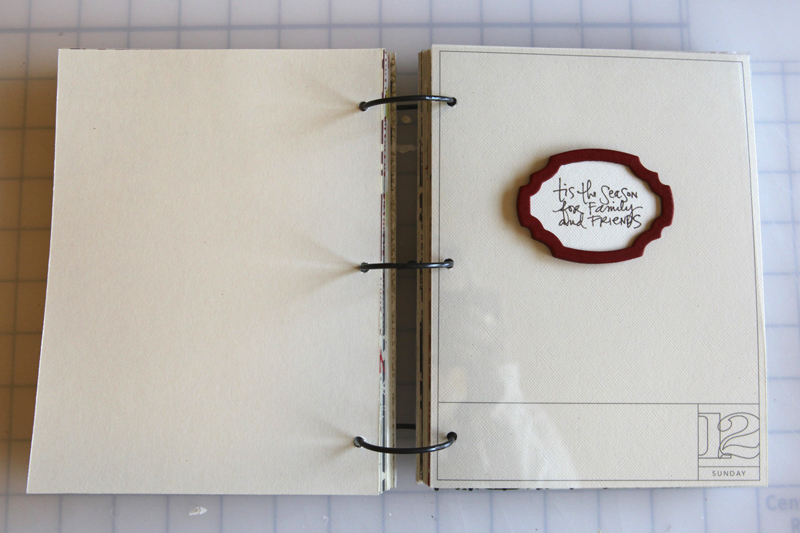
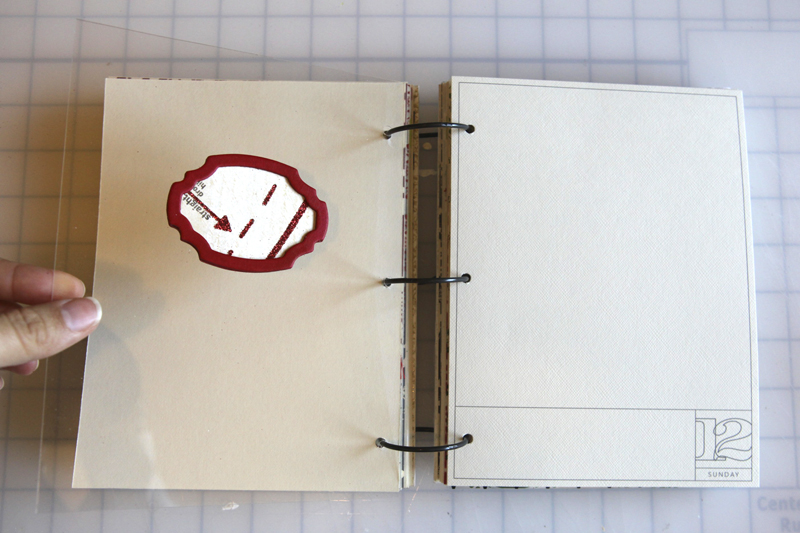
DAY TWELVE
Maya Road Scroll Frames Chipboard
AE for Technique Tuesday Good Cheer Stamps
Claudine Hellmuth Studio Paint Dash of Red: Two Peas | Scrapbook.com
My Mind's Eye Lost & Found Union Square Moments Seamstress Paper: Two Peas | Scrapbook.com
Hambly Clearly Heavy Overlay
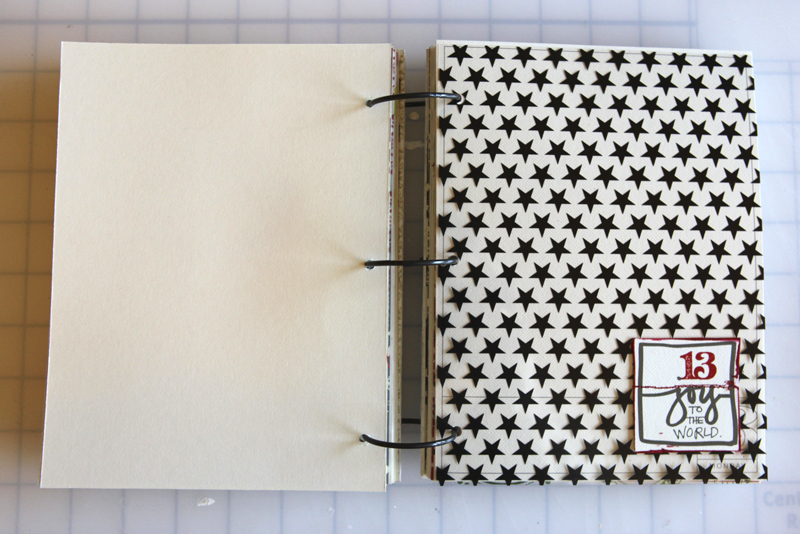
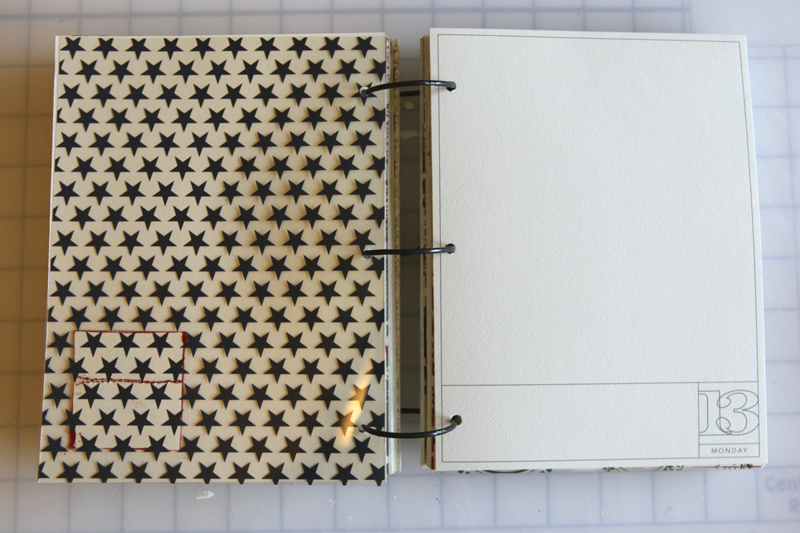
DAY THIRTEEN
Teresa Collins Star Transparency
AE Christmas Boxes from Designer Digitals
Jenni Bowlin Red Kindergarten Alphabet Rub Ons
Claudine Hellmuth Studio Paint Dash of Red: Two Peas | Scrapbook.com

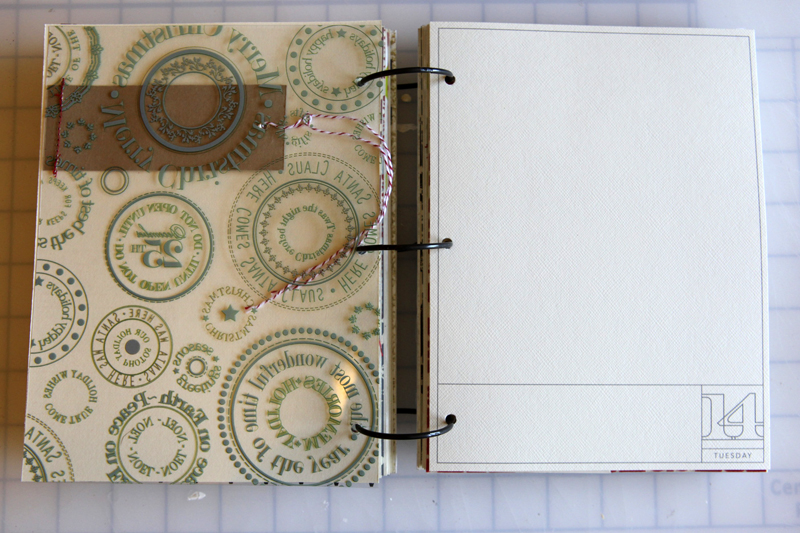
DAY FOURTEEN
Art Warehouse Hollyberry Transparency (green is sold out but here's a red one on clearance at scrapbook.com)
The Girls Paperie Eclectic Chipboard Alphabet: Two Peas | Scrapbook.com
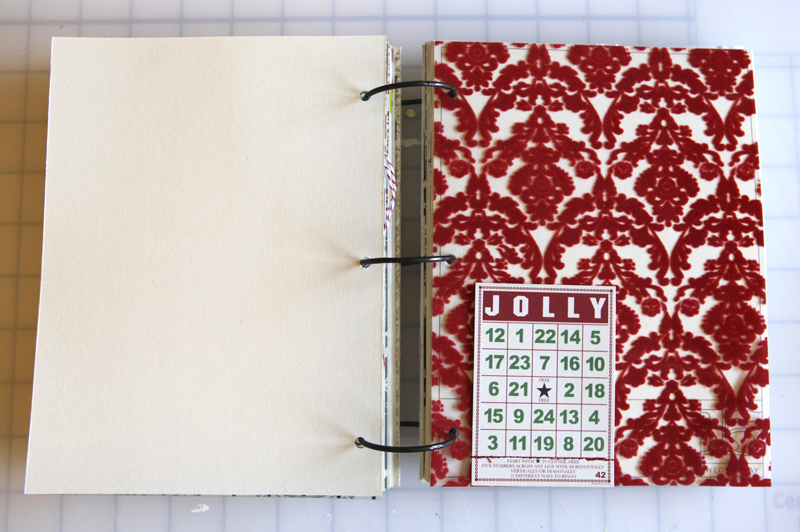
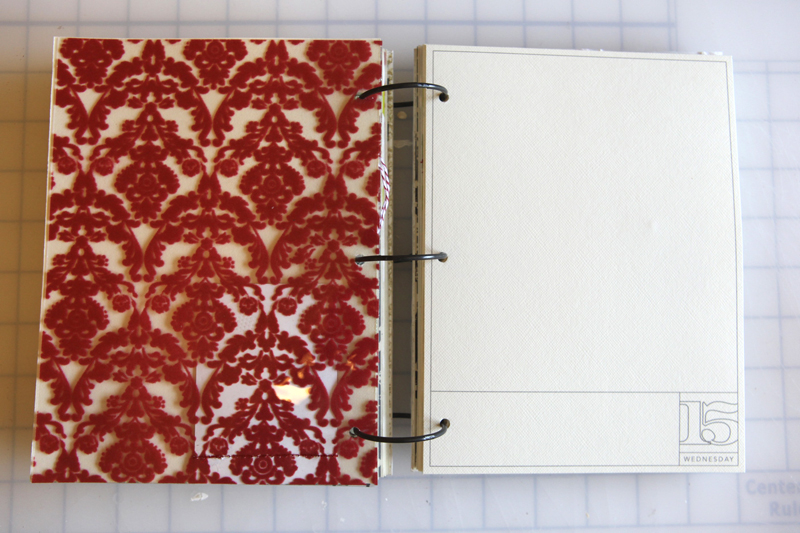
DAY FIFTEEN
Fancy Pants Tradition Flocked Transparency
Jenni Bowlin Mini Bingo Cards Christmas
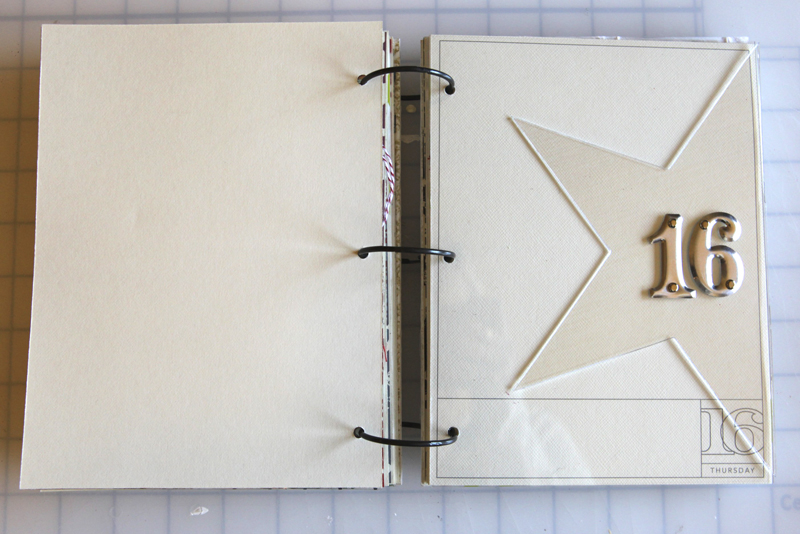

DAY SIXTEEN
Tim Holtz Silver Numerals: Two Peas | Scrapbook.com
Picture It Pageframe Large 8 inch Acrylic Star
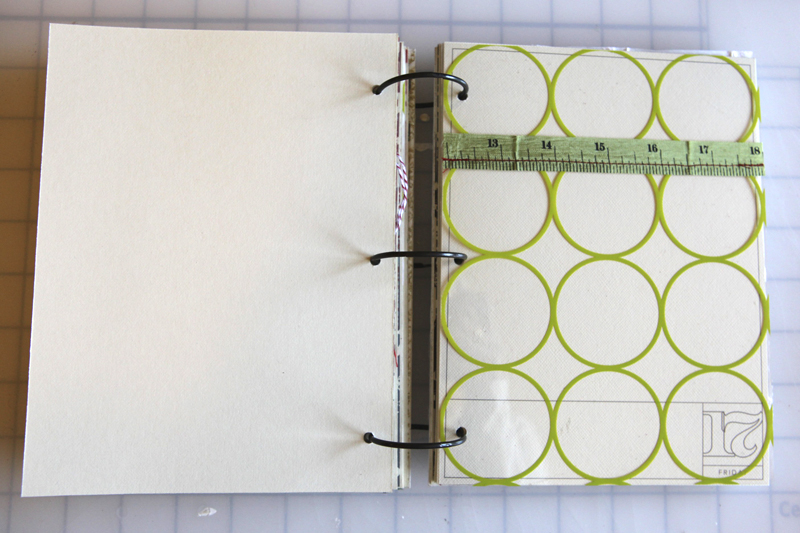

DAY SEVENTEEN
Hambly Chic Circles Transparent Overlay
The Girls Paperie Christmas Ribbon Trims
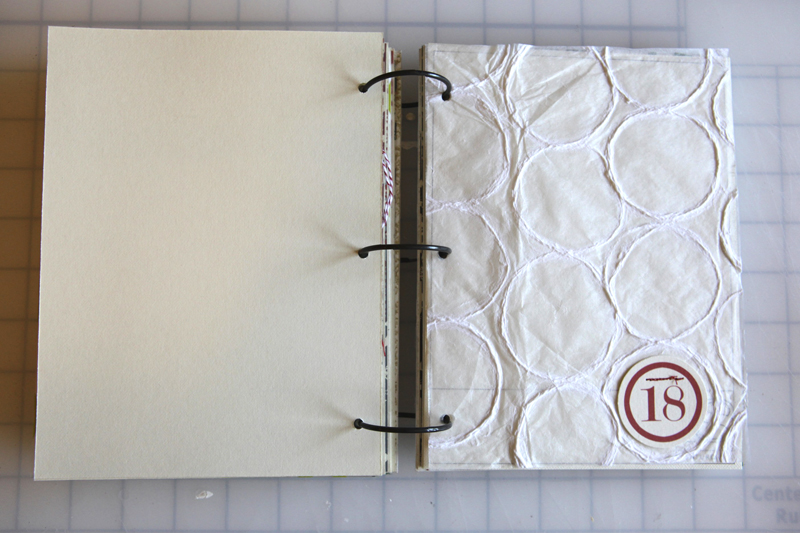
DAY EIGHTEEN
White Circle Paper
Every Jot & Tittle Red Number Tags
DAY NINETEEN
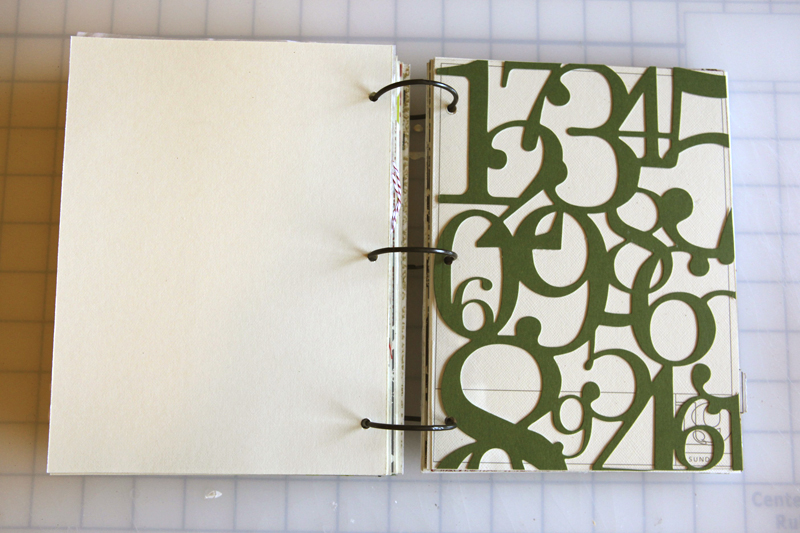
KI Memories Lace Cardstock Numbers

DAY TWENTY
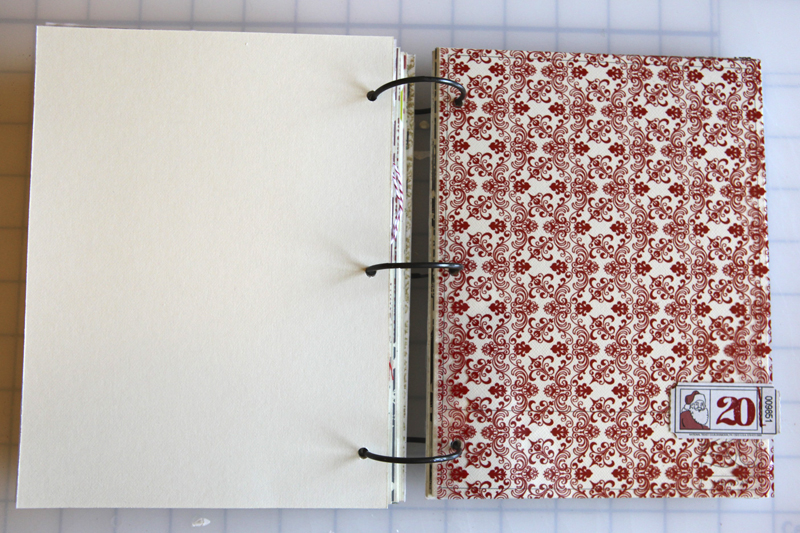
Jenni Bowlin Christmas Printed Tickets
Hamby Red Vintage Plaid (looks like there's no more red, but other colors are available)
Jenni Bowlin Red Kindergarten Alphabet Rub Ons

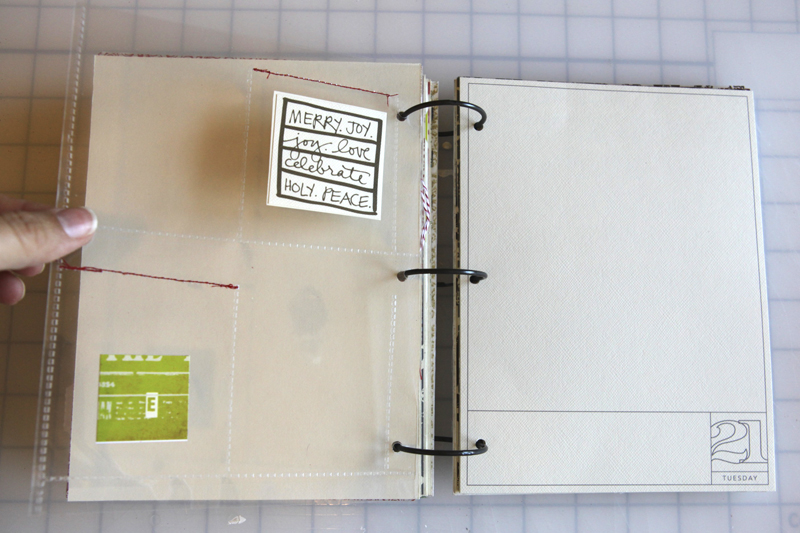
DAY TWENTY-ONE
8.5x11 Baseball Card Page Protectors
The Girls Paperie Tinsel & Twig Christmas Sticker Pad
AE Christmas Boxes from Designer Digitals (available on Saturday)
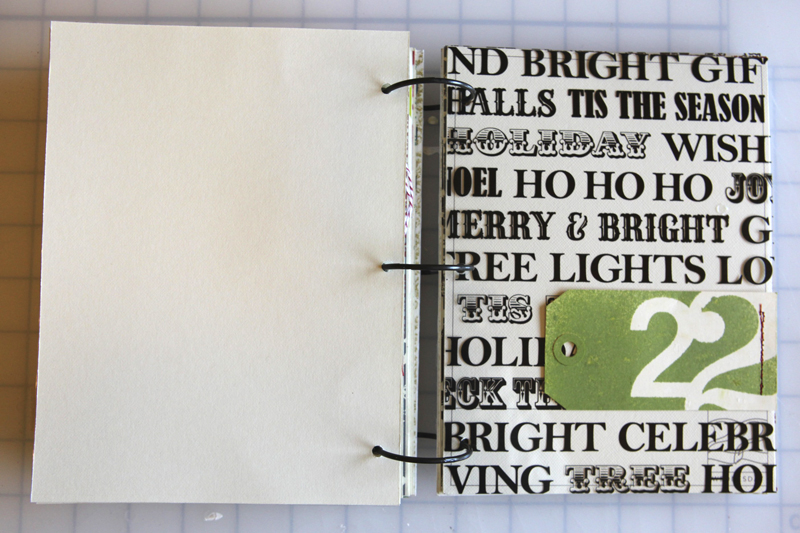

DAY TWENTY-TWO
Teresa Collins Noel Collection Christmas Transparency
Studio Calico Mister Huey Apple Jack Color Mist
Making Memories Number Stickers
Shipping Tag
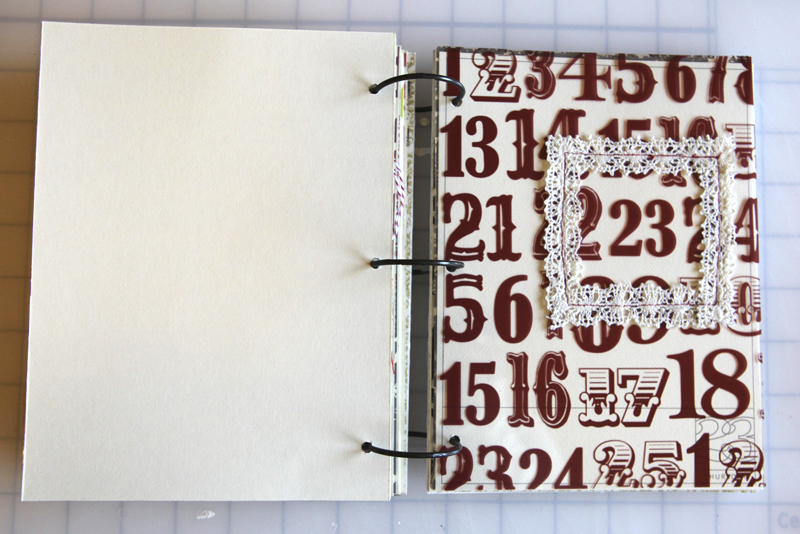
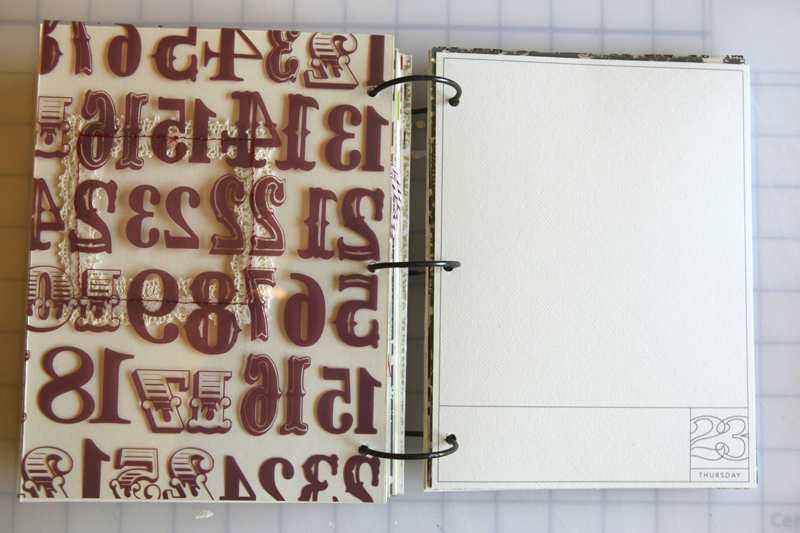
DAY TWENTY-THREE
Teresa Collins Red Number Transparency
K&Company Handmade Collection Fabric Art Lace Frames
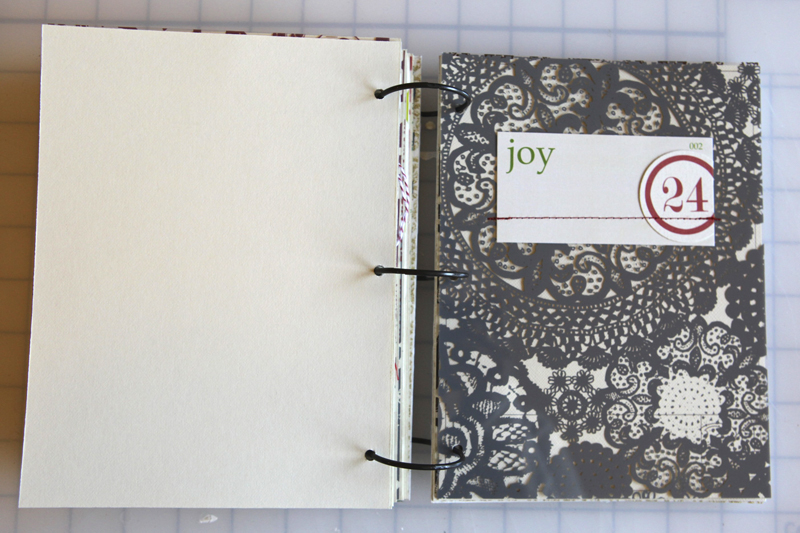
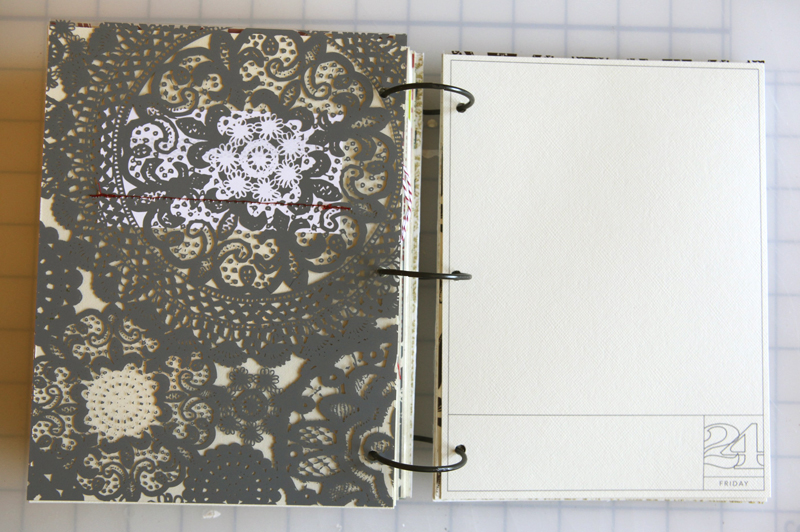
DAY TWENTY-FOUR
Hambly Grey Doily Decor Overlay: Two Peas | Scrapbook.com
Elle's Studio Vintage Christmas Flash Cards
Every Jot & Tittle Red Number Tags
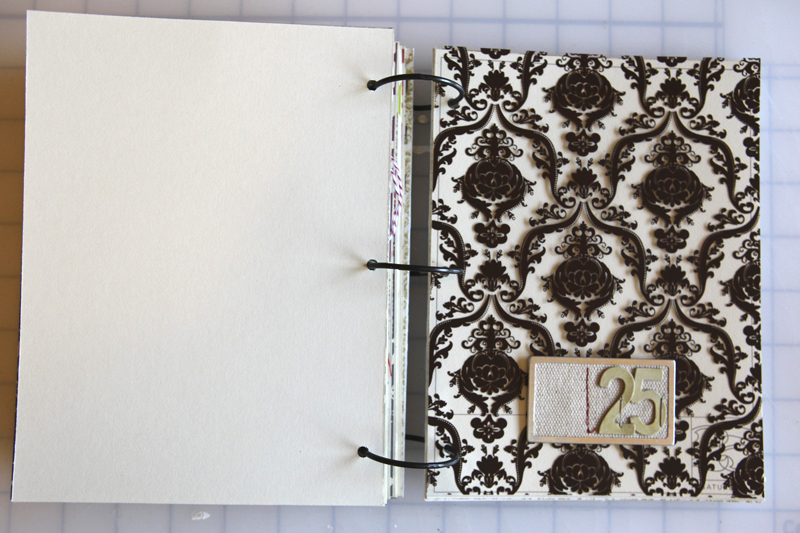
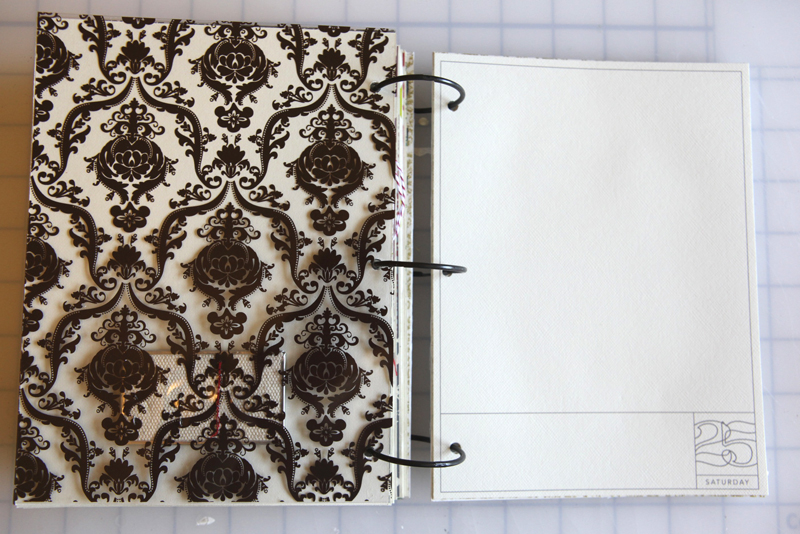
DAY TWENTY-FIVE
Making Memories Metal Rimmed Canvas Tag
The Girls Paperie Eclectic Chipboard Alphabet: Two Peas | Scrapbook.com

INSIDE BACK COVER
Anna Griffin Georgette Holiday Collection Double-Sided Cardstock Pack
And there you have it.
You can do this.
Start now. Start simple. One task at a time.
Whenever possible, don't make it more complicated than it needs to be. Adapt it for your family, your lifestyle, your situation. The real joy comes from getting yourself to a point where you are ready to record the little moments in December - those little bits of life that happen so fast but that build on each other year after year. This album is a place for those memories.
Don't worry if you don't do something holiday related everyday in December. The stories and photos you include don't have to be holiday related - all of my previous albums contain non-holiday entries that document simple daily stories. I include what I feel like including from one day to the next.
Again, be sure to check out previous December Daily project posts on the compilation page. Feel free to include your questions here in the comments section.
Again, you can do this.
SHARE THE LOVE | DECEMBER DAILY BANNER, FLICKR, TWITTER
You're also invited to share and communicate with others about this project. Here's some links to get you started:
FLICKR GROUP:2010 December Daily (view past galleries here: 2008, 2009)
TWITTER HASHTAG: #decdaily
BANNER:Last year there were some requests for a blog banner. Feel free to add this to your site (the code is listed below):

DAILY SPONSORSHIP
This year I'm offering daily sponsorship spots throughout the month of December on December Daily posts. Please email sponsors@aliedwards.com for more information.
For a full list of December Daily posts go here.

Elle’s Studio has just released their new designs for the holiday season. They have the perfect tags for your December Daily projects, advent calendars, scrapbook pages and more!


Comments
Sign in or sign up to comment.
260 comments
I really like this year's album. However, since this is my first attempt at a DD, I've had my heart set on doing one like last year's for about a month or so & have been collecting items (from my stash) that whole time. I guess now I'll have to decide which I want to do - or a hybrid of the two.
The one thing I really do like about this year's is the fact that it might be easier to have the basic format. With last year's - you never new ahead of time if you'd need a little or a lot of space for any given day.
Hmmmm....decisions, decisions. Either way, that's for the inspiration Ali!
Replies
Sign in or sign up to reply.
Funny, just yesterday I was thinking about my own December Daily and thought this year I should make everything the same size. I still haven't decided what size, but after seeing yours I like the look! Oh, and I vote for the white cover.
Replies
Sign in or sign up to reply.
Ali, what adhesive do you like to adhere paper to chipboard for items such as album covers?
Replies
Usually either a glue stick, gel medium, or just a tape runner. Lots of options.
Sign in or sign up to reply.
hi ali - i've been following you since i attended your class in wellington a few years back - embrace imperfection!!! i have gathered all my xmas supplies - not buying anything new! thankfully i at least had all my xmas papers tog. have started the pages. did you say you will be offering a journaling page PDF? i love the consistent page size - i'm using 6 x 6 album and am really excited. unfortunately i can't any 12 x 12 transparencies in theme anywhere in nz, so i'll probably just have a patterned paper page with the date AND photo and have a facing page for journalling, hence the question re downloadable PDF. having a page to print out each day and slot in would be very easy indeed!
Replies
The digital package includes a PDF where the overlays are sized to 6x8. It's available here: http://www.designerdigitals.com/digital-scrapbooking/supplies/product_info.php/products_id/10662
Sign in or sign up to reply.
Your book looks amazing, Ali! I want to give it a try this year for the first time. Thank you for sharing your how-to with us!
Have a wonderful weekend!
Replies
Sign in or sign up to reply.
All I have to say is WOW! Every year you do something that totally sparks me in a different way - amazing. This will be year #3 doing the project with you, and I've been waiting to see your take before I really dig in (since your ideas usually prompt me to want to change or do something differently!) Love it. Thank you!
Replies
Sign in or sign up to reply.
Ok, I love this and I really want to do the Dec. Daily this year. Each year, I admire yours and wish I had done it. With the digital pages, is it as simple as printing them out on a regular printer and then cutting them to size? I have PSE, but I'm a total newbie with that and don't want to get overwhelmed. Thanks for allowing us to enjoy this project with you!
Replies
Yes Nita - the package includes a PDF that makes it really simple - just open, print on cardstock, and trim - or you can open up each individual PNG file (if you want to re-color them you will need to use the PNG files).
Sign in or sign up to reply.
Can't wait to start!
Replies
Sign in or sign up to reply.
Hey Ali,
Are your journal pages going to fit to a 6×8 size book?
Thank you.
(I meant to post this here. I was getting inspiration from your old books, oops)
Replies
All the pages this year are 6x8. I will either handwrite my journaling onto the printed page or I will print out journaling and add it to the pages I have already printed.
Sign in or sign up to reply.
I really enjoy your SIMPLICITY this year! I like the clean look - how did you do the 7 gypsies knob on the front of the album? Thanks for the inspiration Ali!
Replies
Sign in or sign up to reply.
I love this idea! Wanted to try it for the first time this year after watching you do it in years past. Figured I would finally have the guts and the patience this year. So very sad that everything you are using is sold out already (mainly talking about the transparent overlays). Am trying to find other transparent overlays, but can't find anything out there in Christmas colors. Boo! :o(
Replies
Hi Melissa - my guess is that they will be back in stock soon (a benefit of getting the info out early). There's lots of overlays available here: http://www.qbaroo.com/HamblyScreenPrints/categories.cfm?type=0&categoryoid=2 (I love all the silver, gold, brown and cream - all of which go nice with red + green accents).
Sign in or sign up to reply.
Wow Ali, loving your 2010 album! Hoping it's as much fun as last year, I never finished last year's album, so my goal for 2010 is to finish the album and get all my holidays documented this year. Thanks for always being so inspiring to your blog readers, hoping to get to the creative process very shortly!
Replies
Sign in or sign up to reply.
[...] Mycket inspiration finns hos Ali Edwards, hon gör något hon kallar December Daily. [...]
Replies
Sign in or sign up to reply.
[...] Daily 2010 Template After reading Ali Edward’s post regarding her December Daily book, I was totally inspired to get a head start on my own. I had commented about how so many stories [...]
Replies
Sign in or sign up to reply.
wow Ali,
this is great, every year I start with good intention, got my book made everything, around day 4-5, I fall off the band wagon, not to be returned.
This year I want to finish it, but how do you stay motivated when life interferes?
Thank you,
Maggie
Replies
Sign in or sign up to reply.
Last year was my first year doing Dec daily and I loved it. Money was really tight last Christmas and there was nothing spare for new stash for it really, so... I challenged myself to use all the random bits of Christmas stash that I had. I did treat myself to a couple of acrylic pages and some glitter glue but otherwise used what I had on hand. I was worried that it was going to look a real mess as nothing really matched but it looks amazing and I adore it, and so do all my friends that have seen it, in fact just about everyone at my crop is going do one this year. I guess what I'm saying, is that if you only have random Christmas bits and can't afford to buy for this specific project - you'll still end up with an awesome album.
Replies
Right on Melanie!
Sign in or sign up to reply.
Even though I loved playing with all my paper and embellishments last year, for my 2010 DD I had thought of going hybrid after seeing some very lovely examples last year in the Flickr group. When I saw your DD, I knew I had found my answer. I was going to design a digital template myself, but why bother now when you've done the design work for me. I totally encourage people to get the design part done early. It makes for the day-to-day in December more fun and of the moment. And for days you can't journal right then, be sure to write something down. You won't remember the next day and you'll kick yourself. I have thought many times that I won't ever forget the uber cute comment from the kids...but I do.
I still love playing with paper and see that with your template, I can still add a few random pages or even whole sheets of pp attached to the backs of the journaling. Off to purchase your set now, since it's on sale at Designer Digitals. I'm going to try it this way. I can always alter the design along the way.
Replies
Sign in or sign up to reply.
I know it's the start of the season when you put up your first December Daily post! I already have my foundation mostly made because circumstances made it where I did not complete mine last year (I caught a bacterial infection in my digestive and respiratory systems right after Thanksgiving and was put on bed rest for the majority of the month - not really conducive environment for making my December Daily!) I'm going to go through my book Halloween weekend and make any changes that I need/want to make. I'm so excited to be doing this process again. Even though this will be my third year following the project, it will be the first time I actually complete one on my own! Thanks for all of your inspiration and I can't wait to see your Halloween project!
Replies
Sign in or sign up to reply.
I'm a huge fan of the 6x8 size. I did a digital album this summer in this size and I love it! Love the designer digitals overlays, you rock as always Ali :)
Replies
Sign in or sign up to reply.
Hi Ali! I love this project and I've been working on mine all weekend. I have a quick question for you though...
I bought the 6X8 overlays from Designer Digitals and when I print them out, they are slightly larger than my transparencies. They print out at 6 1/4 X 8 1/2. Is this intended? Or is it a problem with my printer? It looks weird to have the journaling pages larger than my transparencies and I'm a little stressed it doesn't fit just right. Is it just me? Help! :)
Replies
Hi Jessica - I'm planning to do a short tutorial on this in the next couple of days. Most likely in the PDF printing set up you need to make sure it is set to "shrink to printable area" and not "fit to printable area." Mine is defaulted to stretch it out to fill the page rather than keep it set at the correct proportions. Hope that helps.
Sign in or sign up to reply.