Loving | Scrapbook Layout Using Studio AE January 2011 Stamps
Tags: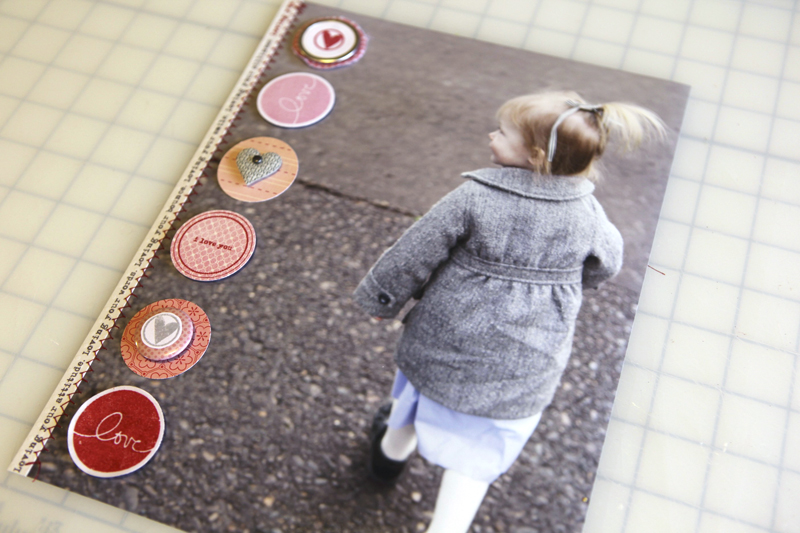
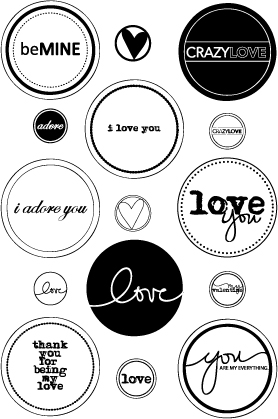
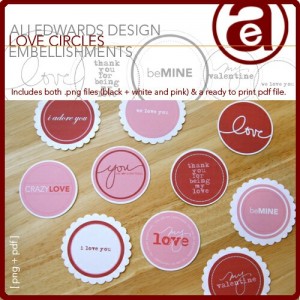
My Studio AE Stamps (a monthly stamp club from Technique Tuesday) for January are a great set of love circles and hearts. Here's a look at the set:
I used a few of them on this full-page photo layout of Anna.
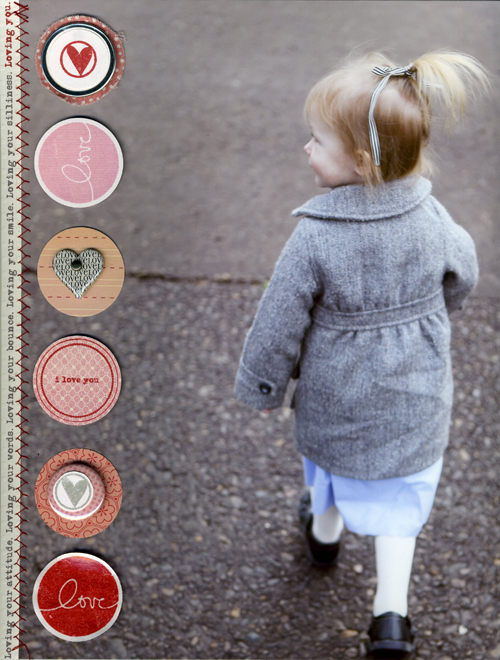
Here's the full view:
HOW TO
1. Print 8.5x11 inch photo. Here's the before image as it came out of my camera:

In Photoshop I cropped and sized it to 8.5 x 11 inches and printed it here at home on my HP Photosmart B8550 printer.
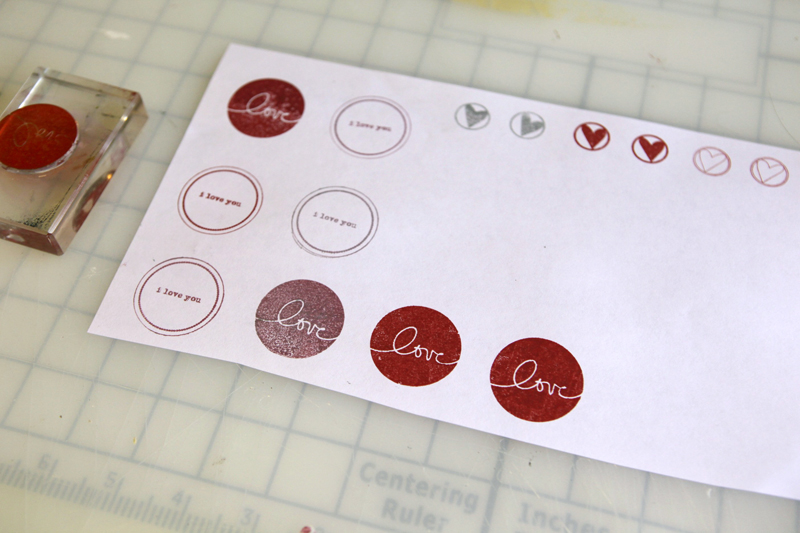
2. Stamp love circles onto cardstock or pattern paper.
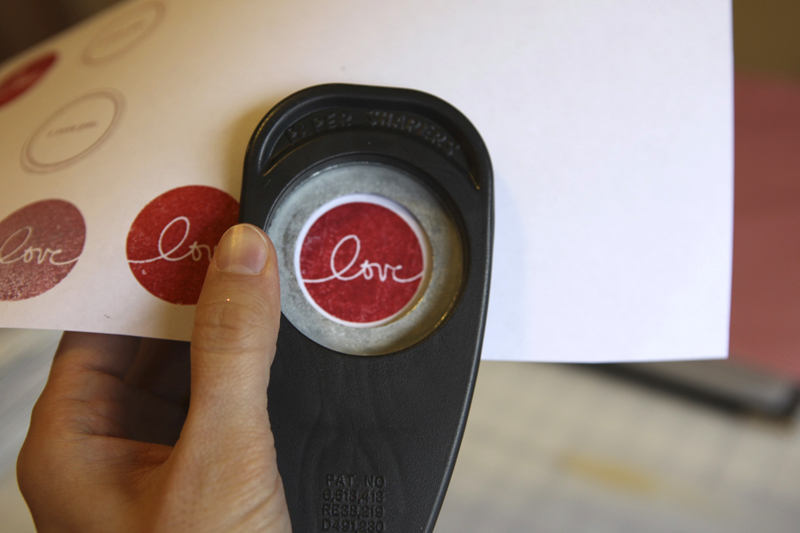
3. Punch or hand-cut circles. The main circles are 1.5 inches. The circle that was punched to go inside the metal-rimmed tag was 1 inch.

4. Layer circles and additional heart accents. I love layers like this. It's also a great way to use scraps of pattern paper.

5. Adhere the circle accents using rolling adhesive or foam dots for added dimension.
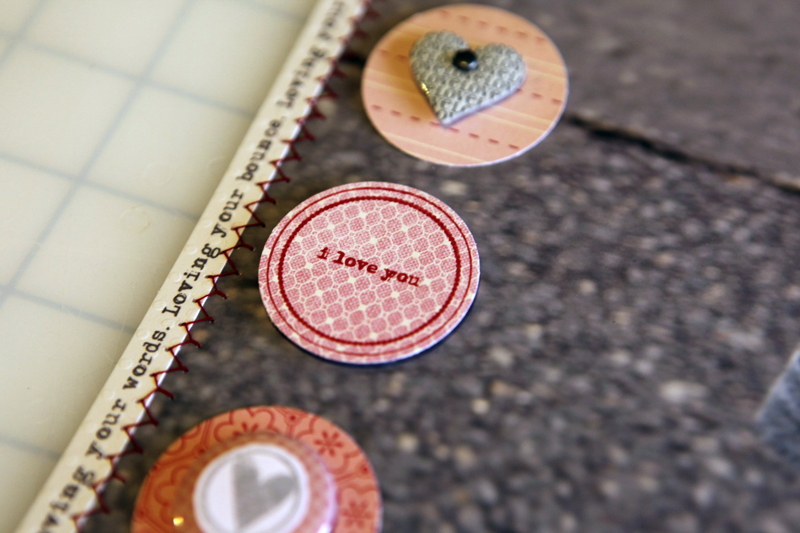
6. Print or handwrite your journaling along a strip of cardstock and adhere onto the photo. The font I used is Adler. Stitch using a sewing machine.
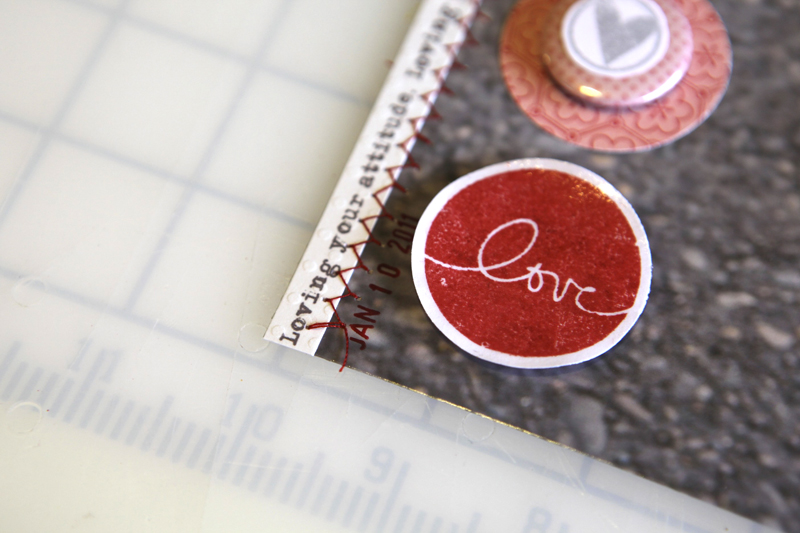
7. Don't forget the date. For some reason - most likely that I was just trying to be speedy - I forgot to add the date again. After scanning I stamped a date along the edge with a small date stamp that you cans see in the above image. Also, on top of this circle love stamp I added a thin layer of Glossy Accents.
SUPPLIES
Studio AE January 2011 Stamp Set; Making Memories Black & White Heart; Technique Tuesday red ink; Glossy Accents; 1 inch circle punch; 1.5 inch circle punch; Dear Lizzy Springy Collection Flair; Dear Lizzy Tickled Tulip Fabric Paper; Metal Rimmed Circle Tag; Assorted pink pattern papersThese new stamps are based on my digital Love Circles package available at Designer Digitals:
Want to see more?
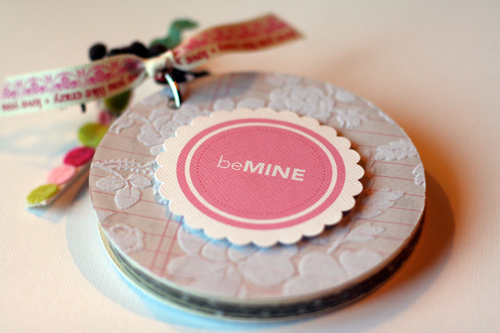
Check out a project I did in 2009 using this product: Love MiniBook/Card
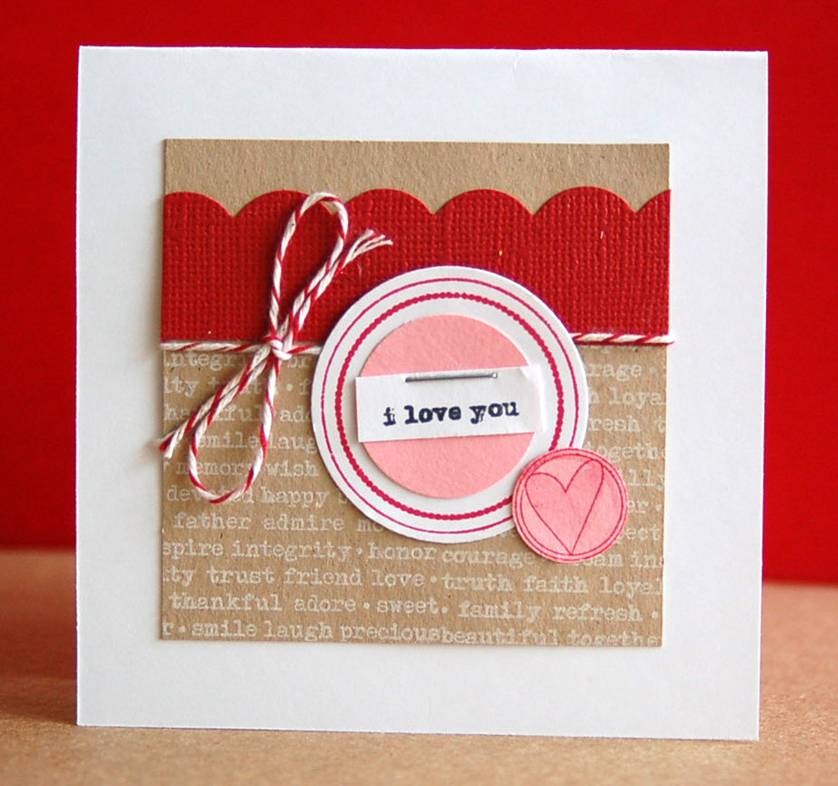
CARDMAKER? Here's a couple of lovely card samples from Teri Anderson:


Comments
Sign in or sign up to comment.
58 comments
Ooooo this is SO inspiring|!! Had a rough day, and this makes me happy. Will be lifting tomorrow. While I don't have the stamps, I have the inspiration. Thanks.
Replies
Sign in or sign up to reply.
Oh, how I love the layout!! Thanks for all your inspiration!
Replies
Sign in or sign up to reply.
What a precous layout of a darling little girl. You have always been an inspiration and this is another great one. Could you please let me know what the font is on the last card for "i love you"? I'd really appreciate your help.
Replies
Hi Linda - that's called Adler.
Sign in or sign up to reply.
Incredible!
Replies
Sign in or sign up to reply.
Just adorable! My stamps came last week and I just love them. I've started a card already and the stamps are perfect for my layouts. I love the versatility.
Replies
Sign in or sign up to reply.
Ali,
Thanks for liking my cards. I mucho like your layout! :)
Replies
Sign in or sign up to reply.
[...] Uma página super simples de fazer: fotão + enfeites {via Ali Edwards} [...]
Replies
Sign in or sign up to reply.
Ali,
thanks for sharing all your ideas and stories.
these stamps are fantastic. Do you have an idea if they will become available again?
Replies
Hi An - I'm not sure what the plan is for the stamps from month's past. I'd try sending TT an email here: http://www.techniquetuesday.com/merchant2/merchant.mvc?Screen=Mail&to_email=customercare
Sign in or sign up to reply.
[...] your entire background. I’ve done this a few times in the past and I love it. Here’s another recent one that’s a traditional paper scrapbook layout (includes a how-to) which could be easily [...]
Replies
Sign in or sign up to reply.
Goood day! This iis kind of off topic but I need some guidance
from an established blog. Is it hard to set up your own blog?
I'm not very techincal butt I can figjre things out pretty quick.
I'm thinking about setting up mmy oown but I'm not sure where to begin. Do you have any ideas or suggestions?
Many thanks
My page; top anti aging skin care products for women
Replies
Sign in or sign up to reply.