Project Life 2012 | Week Nine
Tags: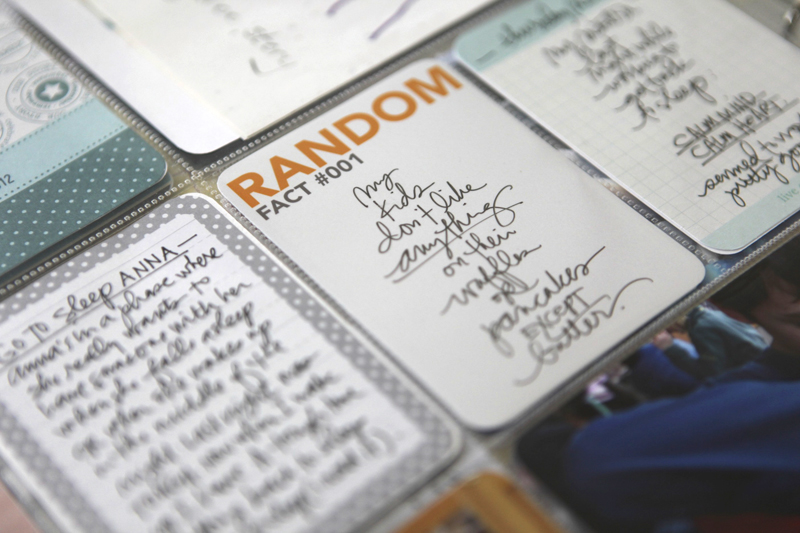
Welcome to Project Life 2012 | Week Nine.
As you can see, I'm still keeping it really pretty simple. There's not a lot of extra decoration, but I did have fun with an enlarged photo as you'll see below.


For my insert this week I cut a Design F page protector in half.
"This is life" is from my Sentiment 4x6 Boxes, cut using Vellum on the Silhouette.
Letter stickers on the card that documents the time it takes me to drive to Anna's school are from Pebbles.
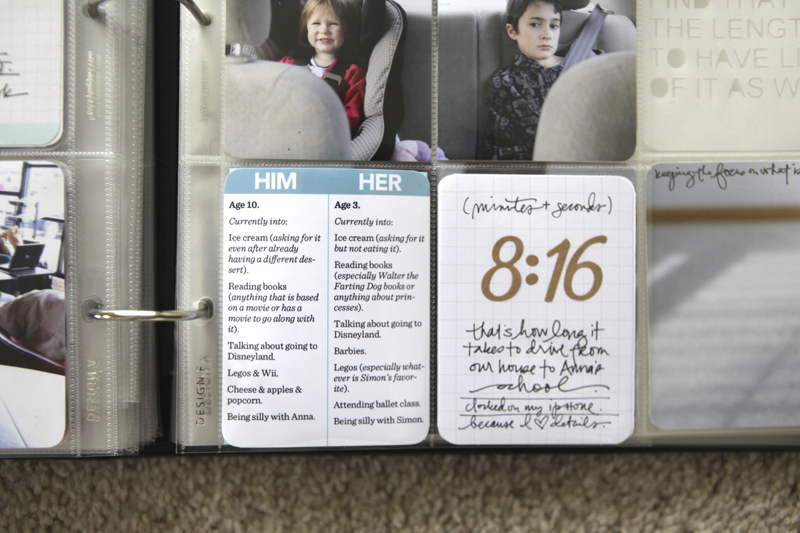
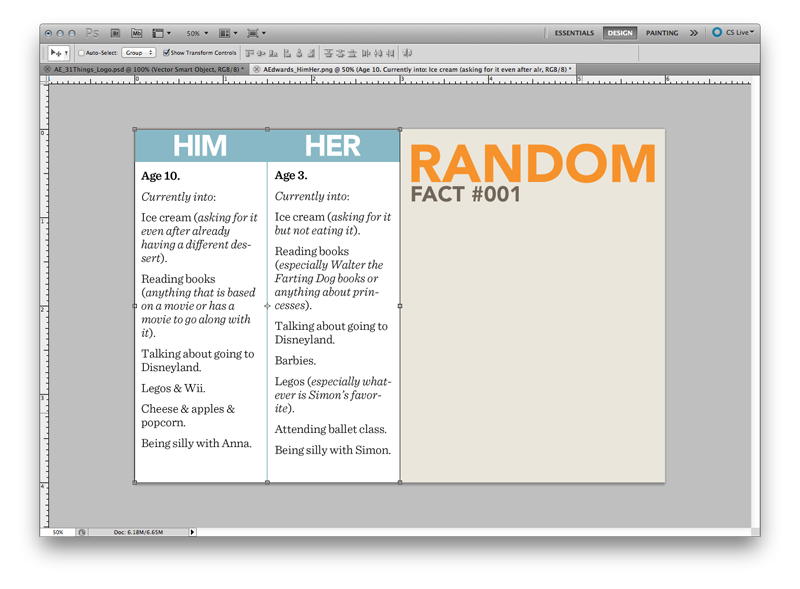
The "Him/Her" card is from my Two Things set.
I actually printed that one and the Random Fact 001 card on the same 4x6 piece of paper:

The "today" and "loving" cards are from my Life Sentiment Vol.1 cards. The "fabulous" card is from the Smash Blank Journaling Pad.
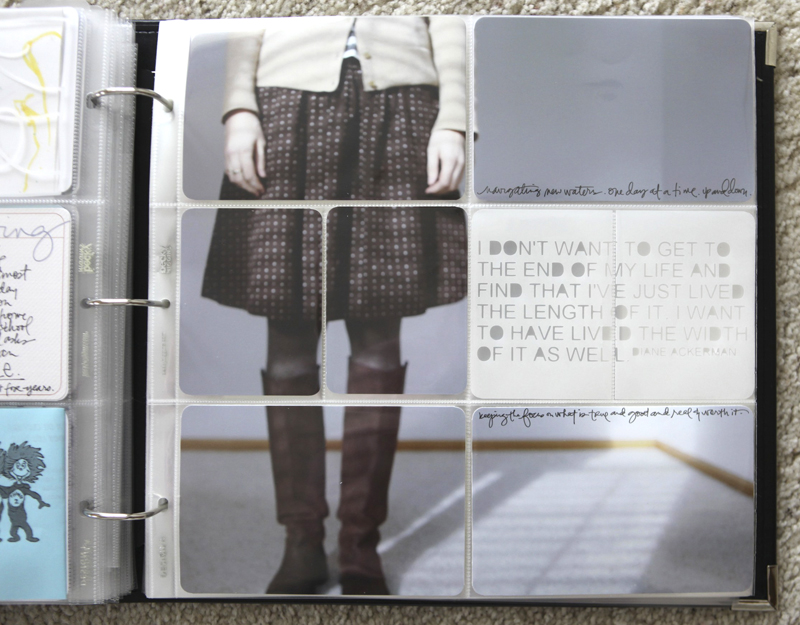
I've loved seeing how Kelly and Elise have done pages using full page photos in their Project Life albums. Finally took a photo this week that felt like a good one to experiment with (partly because of encouragement from both of them after seeing this photo on Instagram).
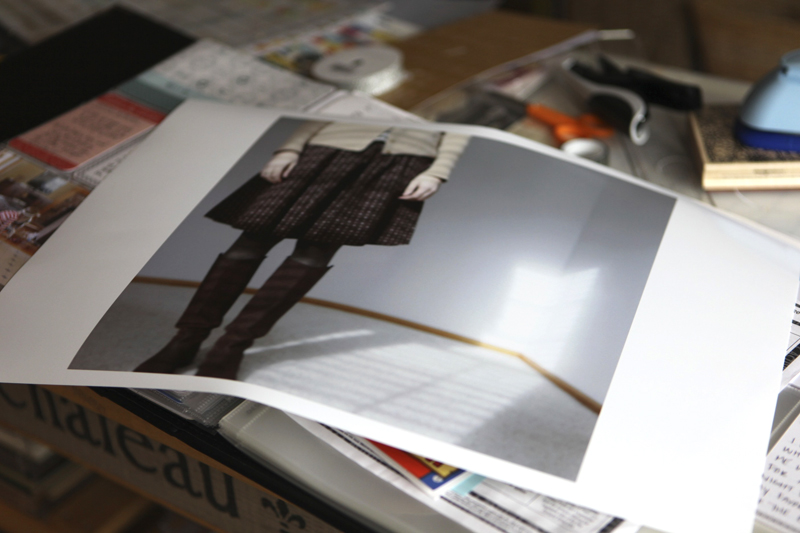
I printed it out here at home as a 12x12 (on Epson 13x19 paper) on my Epson R2000 and then cut it down with my trimmer.
Last week I saw something on Pinterest that I knew I wanted to replicate: words on vellum.

Dear Silhouette, I love you.
I used WorldWin Transluscent Vellum, ran it through the Silhouette, rounded the edges with the Corner Chomper and then cut the 4x6 in half to fit into two smaller shapes.
FREE DOWNLOAD |Download the Diane Ackerman quote here as a Studio file.
I used a Precision Pen to write on my photos.
And I so often love what's left over on that cutting mat:
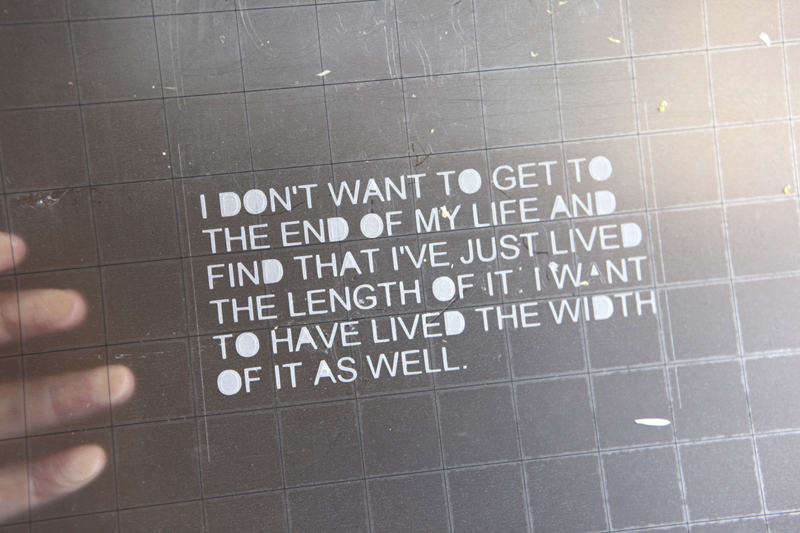
Even after scrapping off all those letters:

SUPPLIES | 2012 | WEEK 9
Click on the images to link to the products.


Comments
Sign in or sign up to comment.
78 comments
[...] loved the quote Ali recently posted for her Project Life using the Silhouette & it really sparked an idea for these pages. I wanted to die-cut a little [...]
Replies
Sign in or sign up to reply.
[...] Random Facts Journal Cards from Week Nine. [...]
Replies
Sign in or sign up to reply.
[...] Cutting a quote out using The Silhouette Cameo® + Vellum for Project Life [...]
Replies
Sign in or sign up to reply.
[...] Cutting a quote out using The Silhouette Cameo® + Vellum for Project Life [...]
Replies
Sign in or sign up to reply.
[…] Cutting a quote out using The Silhouette Cameo® + Vellum for Project Life […]
Replies
Sign in or sign up to reply.
[…] you ever see this page by Ali Edwards? She included a full 12×12 photo in her PL week. But she left a 4×6 out. […]
Replies
Sign in or sign up to reply.
[…] photos in Project Life but I cut them up to fit into the pockets. You can see examples of that here, here, and a tutorial on how I do it […]
Replies
Sign in or sign up to reply.