December Daily 2009 : Day Two (+ Photo Overlay Video Tutorial)
Tags: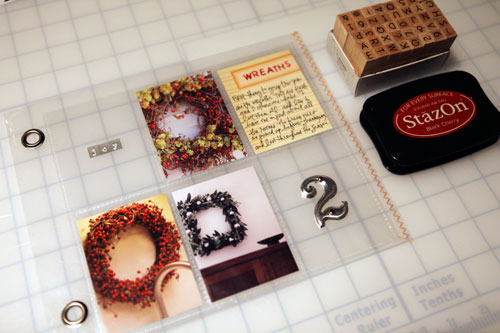
SUPPLIES : #2: Tim Holtz; Basic Uppercase Stamps: Hero Arts; Joy Letters: Little Yellow Bicycle; Ink: StazOn Black Cherry; Journal Card: Jenni Bowlin
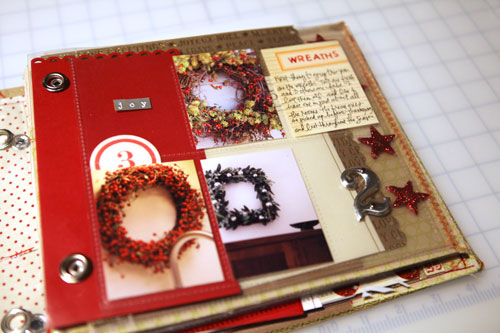
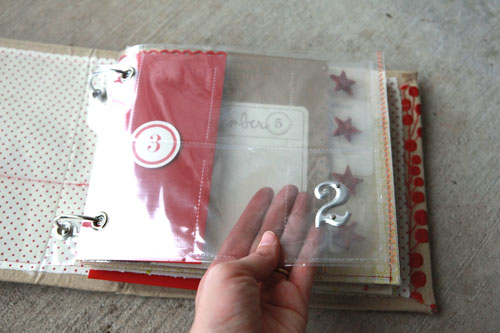
Today I worked with a baseball card page protector that was cut down to fit inside the 8x8 page protector that came with the album I am using. I really like keeping a couple of them "open" to the pages that follow.
Here's a look at the page inside the album:
Here's the before image:
And here's a look at what the photo I put on the back of Day One:
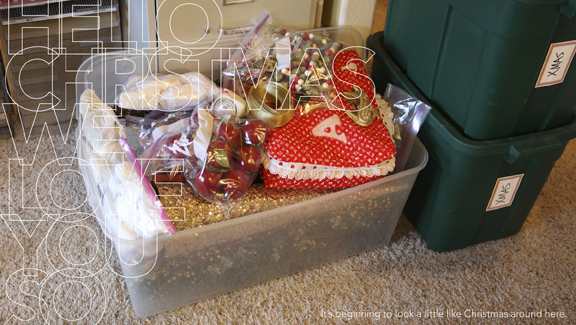
SUPPLIES : Holiday Outline Word Art: Ali Edwards
I was thinking this morning about the process of building my December Daily. I was thinking how I don't always love the individual pages but what I do love is the totality of the project, the end result. Don't let a lack of love for any one page keep you from moving forward and don't let a quest to make it all perfect stop you from documenting the goodness of the season.
As I begin opening up my Christmas tubs and transforming our home into a den of twinkle lights I am reminded how much I love to savor this season.
Bring on the twinkle.

I also have a few new holiday things available at Designer Digitals:
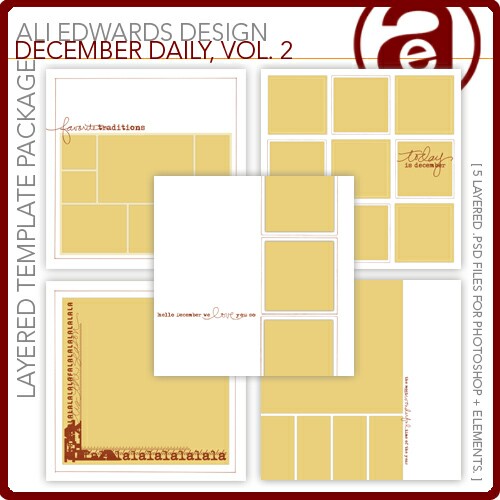
A second volume of December Daily templates to go along with the first.

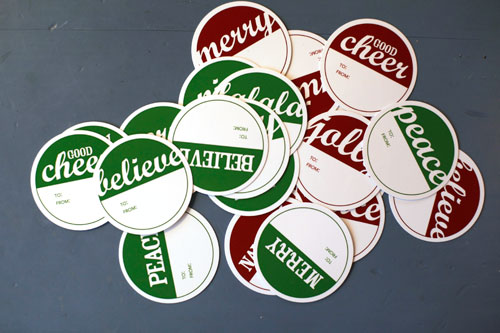
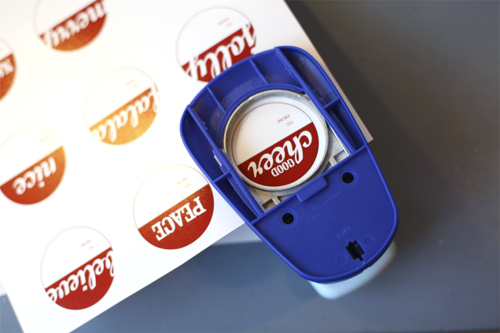
If you need some simple gift tags I created a new set that are now available at Designer Digitals. The downloadable file includes PDF files that are all set up and ready to be printed (in red & green). These were all punched with a Marvy 2-Inch circle punch.
If you are still looking for fun digital or printable numbers to add to your December Daily these Half-Circle Number Embellishments I released back in July would also work really well.
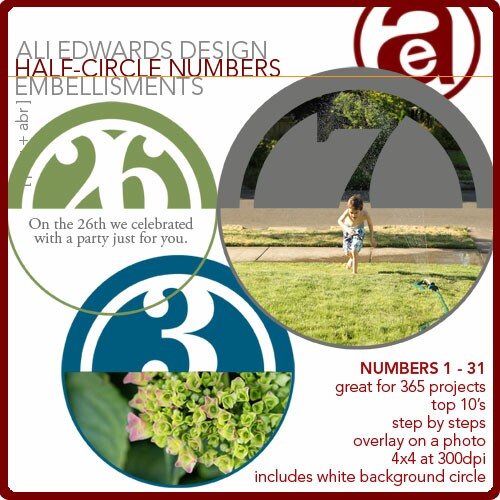
I posted a video tutorial on how to work with these elements here.
In addition I put together a short tutorial on working with the 25 Days of December overlays that I used on my photo in Day One. You can click on the link below to see a larger version.
25 Days of December Photo Overlay Tutorial from Ali Edwards on Vimeo.

This post is part of a series documenting the month of December 2009. You find out more information and view all the completed pages of my album here.


Comments
Sign in or sign up to comment.
82 comments
Thank you so much for the tutorial. I have just started to learn how to do this and was on Designer Digitals looking for your overlays for a general holiday. I popped over to your blog and delightfully saw your post. It was so easy to watch and made perfect sense even though I am on a PC. Thank you so so much for this. I can't wait to try it out now.
Thank you, thank you!
Kim
Replies
Sign in or sign up to reply.
Thanks for the encouragement. I didn't totally love my page 1 and I'm not sure what to do for page 2. I am inspired to keep going though!
Replies
Sign in or sign up to reply.
so glad day 2 is a "pockets" day. i got a bunch of really cute snaps yesterday when we got the polar express and christmas thomas train sets out and was wondering how i was going to just choose 1 or 2-now i won't have to!
Replies
Sign in or sign up to reply.
I really like the photo of the Christmas boxes on the back of day 2. A nice way to document the details and something I would normally overlook! But my Christmas box is what I see more often than the decorations (since it is in my laundry closet and I see it every time I do laundry, which is way more than 31 days/year!)
Replies
Sign in or sign up to reply.
Thanks, Ali, for the tutorials. I can always use a refresher course.
Replies
Sign in or sign up to reply.
I've had that problem before if I don't unzip the file first.
Replies
Sign in or sign up to reply.
I'm glad you said what you did about not liking the individual pages b/c I'm worried about today. Nothing exciting....just a normal day...taught music class, did laundry and dishes, and about to pick up my son from school. I'm finding it doesn't matter that today wasn't "spectacular" I can celebrate what's the same about today, just as much as I can celebrate what's "different and special" about another day.
Replies
Sign in or sign up to reply.
Ali-
Great tutorial - I bought the 25 day overlays from dd - am i correct in seeing that they can a brush too? i used the december 2nd as a brush and didn't realize they could be adjusted in size by doing the overlay after seeing your tutorial! sooo cool!
Replies
Sign in or sign up to reply.
Yes - absolutely (the brush file is included).
Replies
Sign in or sign up to reply.
Yes :).
Replies
Sign in or sign up to reply.
Hi Ali...I would like to ask you a question if I could. I purchased the circle number set. I downloaded it and then unzipped the file so I have all these individual numbers. Can I make them smaller, or can I print more than one number on a page. I'm sure I have done something wrong. I would appreciate your help.
Thank you,
Karen~
Replies
Sign in or sign up to reply.
Thanks for doing this again this year-So inspired by your work. Loving YT class as well!
GO BEAVERS!!!! Good luck living in Duck land.
Replies
Sign in or sign up to reply.
You can definitely make them smaller (either by changing the image size or by clicking on a corner with the move tool and dragging to resize - like I show how to resize the overlay on the video tutorial today). You can also print more than one on a page. What I would do is create a new canvas (File/New) that is 8x10 (or so). Open each of the numbers and, using the move tool, drag and drop them onto the new canvas.
Replies
Sign in or sign up to reply.
This is all so amazing. I love looking at your projects; they are incredibly inspiring. I have so much on my plate this month so I doubt I will get around to something like this, but if not I definitely plan on doing a December Daily album next year.
Replies
Sign in or sign up to reply.
I took the exact same picture of my Christmas tubs...and the title of my page is 'Bring on the twinkle!' great minds think alike!
Replies
Sign in or sign up to reply.
Have only completed two days but am so in love with this project!! Thanks for all your great inspiration! I enjoyed your video tutorial, it was much appreciated.
Replies
Sign in or sign up to reply.
Ali, can you please do a tutorial on how to make the gift tags in photoshop?
Replies
Sign in or sign up to reply.
Hi Ali,
Thanks for taking the time to show how to do this! I find it is so much easier seeing it than trying to work it out on your own. I will test this out on the weekend! Thanks again :)
Judith (Adelaide)
Replies
Sign in or sign up to reply.
Please check your website . . . each time in the past two days that I've "signed on", "checked in" I've gotten a high level VIRUS warning.
I can't jeopardize visitng any more if I receive this one more time. Sad.
Replies
Sign in or sign up to reply.
Love what you have done with day 2, Ali... great WREATHS! Thanks so much for the gift tags, too! Love them, downloading them, and can't wait to use them!
Replies
Sign in or sign up to reply.