Week In The Life : Bringing It All Together • The Photos, Part Two
Tags:
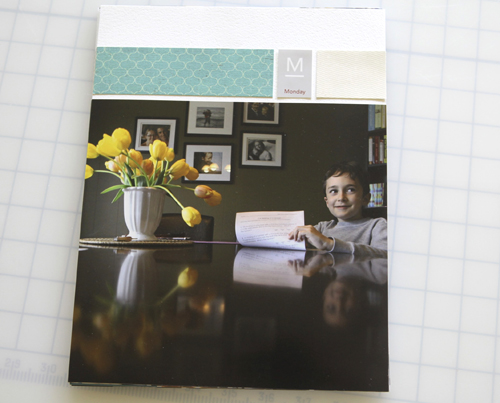
This was the scene late last week after my photos arrived in the mail from scrapbookpictures.com.
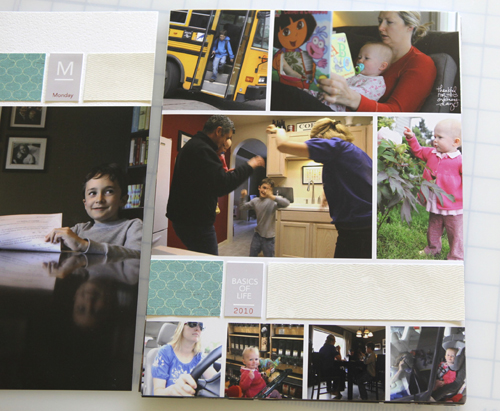
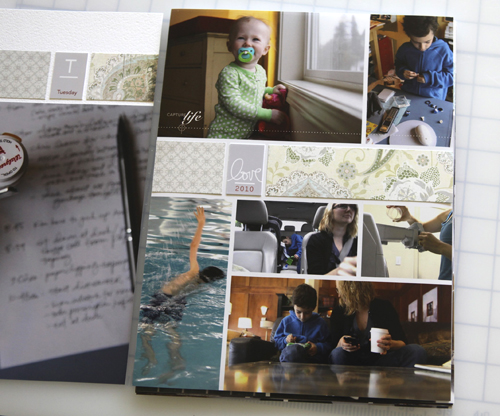
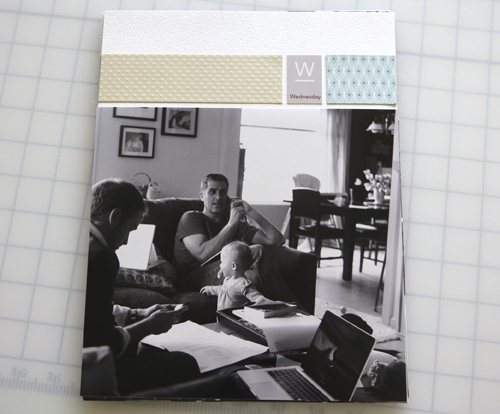
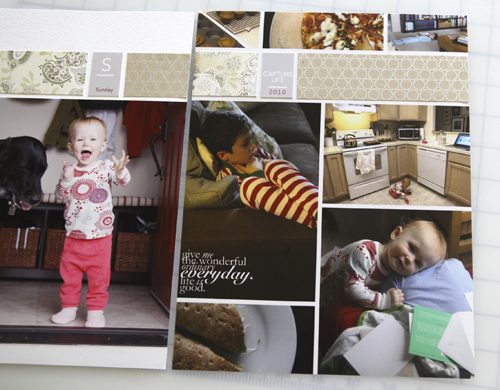
It's always so cool to have photos in hand. I really like how the 8.5x11 photo collage pages turned out and I decided not to cut them out and adhere them to cardstock. Originally I thought I would do that so that the papers "matched" but when it came down to it that was going to take me a whole lot longer and I just didn't want to spend the time doing that when it looked perfectly fine as it was. All I ended up doing was adhering the pattern paper strips and the tabs and calling it good for this portion of the album.
If you are paying really close attention you might notice that the long strip and the short strip of pattern paper are switched (long first vs. short piece first) in comparison with the layered template package. I happened to just dive right in adhering the strips and this is what I ended up with.
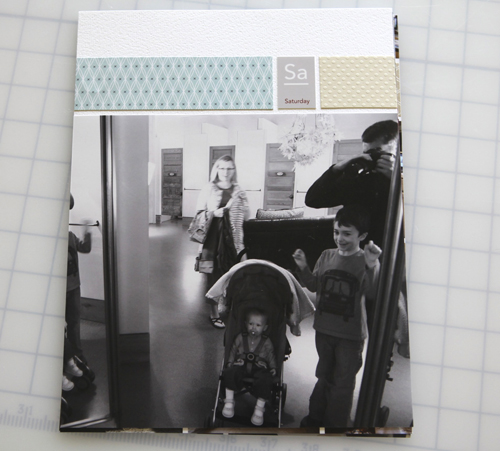
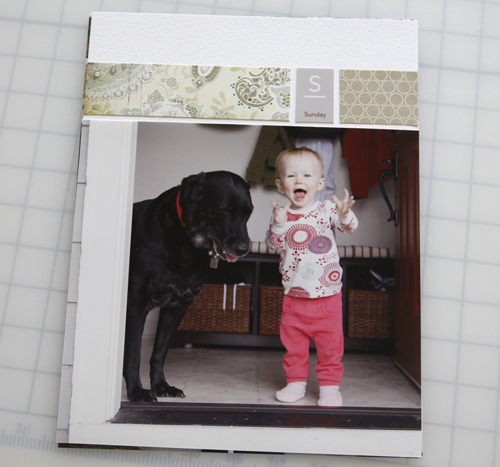
Here's a look at each of the photo pages (still working on the baseball card page protectors):


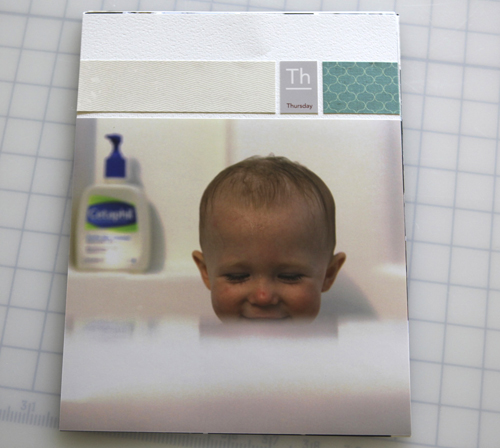
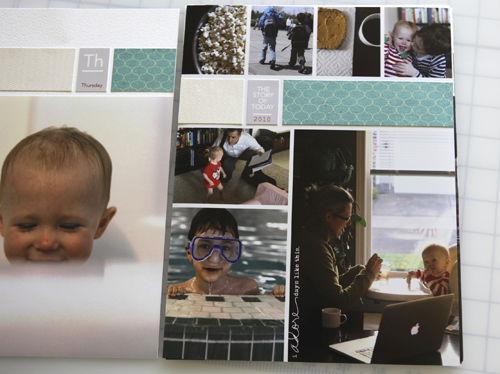
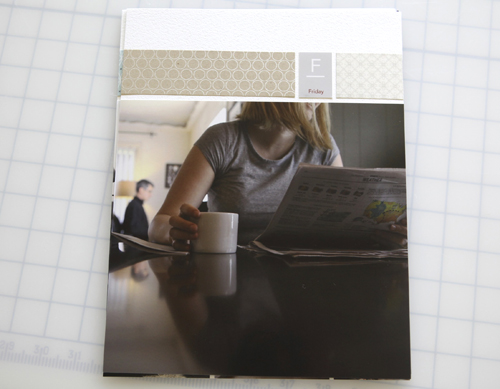
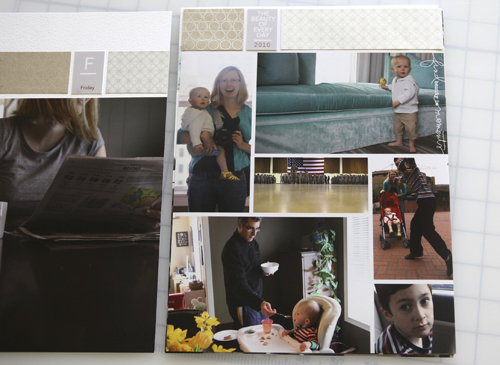

Supplies used can be found in this post.
Tomorrow I hope to have the whole album complete including a cover page, the baseball card page protector photos and the rest of my journaling.
Thank you to those of you who have been emailing me images of your project. I'm looking forward to showing other examples later this week. Feel free to send me some samples of your album at ali@aliedwardsdesign.com. Please put Week In The Life Example in the subject line.

Click here for a complete list of Week In The Life posts.


Comments
Sign in or sign up to comment.
96 comments
Your album looks like it will be beautiful. You have such wonderful photos. I can't wait to see the finished project.
Replies
Sign in or sign up to reply.
Hi Ali, here's the link to my completed photobook in Shutterfly - http://share.shutterfly.com/share/received/welcome.sfly?fid=3bfe80f388d44128&sid=0AcsWzdo0aMWL4I
This is my first year and I loved it! I just noticed that on the first couple of days (Monday and Tuesday), I was so excited to take photos so I was able to create 4 pages using your template. However, from Wednesday to Sunday, the excitement has worn off but I did manage to get a handful of photos so I have at least two layouts for those days, also using your template.
Thank you for this wonderful idea. I have really appreciated the value of taking everyday photos. Looking forward to the same exercise next year.
Replies
Sign in or sign up to reply.
Hi Ali,
I love your album, and I'm excited to use your templates. I wondered if you used a digital white cardstock for your daily openers. Or did you just leave the white parts blank?
Thanks!
Replies
Sign in or sign up to reply.
I decided to do this project because (not only am I inspired by your talent) I realized that my youngest went from being my little guy to a big boy in a blink of an eye. And, watching him fast asleep one night all tangled up in his blankets, that made my heart ache in a way only a mother can know. Even as a shadowed my kids with my camera throughout the week, I was constantly reminded as to how quickly our babies grow up -- my little pre-schooler loved having his photo taken at every possible opportunity; my pre-teen daughter cringed and turned away shrieking, "Don't take a picture of me doing that!" And I'm documenting all of it. I know that someday they will thank me for this, but today, I am thanking you.
Replies
Sign in or sign up to reply.
Hi Kelly - the openers are actually on real cardstock. I just had the photos printed 8x10 - I trimmed them down and adhered the photos on top. There's a nice plain white cardstock in this package: http://www.designerdigitals.com/digital-scrapbooking/supplies/product_info.php/products_id/8493
Replies
Sign in or sign up to reply.
You can do it Aia!
Replies
Sign in or sign up to reply.
You are so very welcome Deborah. Thank you -
Replies
Sign in or sign up to reply.
Hi Ali,
Can't wait to get started on my album. I'm just wondering what sizes the photos are on the collage pages and what size the strips are???? I plan on starting my album this week.... I wasn't going to play but couldn't resist..... Thanks Ali..
Annete
Replies
Sign in or sign up to reply.
WOW Ali...I am loving the layouts and how simple they look. This is a great idea just for a book...to get some pictures done, so I am thinking of giving it a try for the girls books...to get some of their pages done.
Thanks for sharing. As always, you make me want more time in the day for scrapbooking. I need to get some pages done.
Replies
Sign in or sign up to reply.
Hi Annette - the image sizes on the collage pages vary from page to page (I just followed along with the layered template package). You can see more on that process here: http://www.aliedwards.com/2010/04/week-in-the-life-collage-layered-template-video-tutorial.html
The strips are 1.5 inches tall x 5.25 inches wide and 2 inches wide (for the shorter one).
Replies
Sign in or sign up to reply.
Hi Ali... Amazing project! I've been waiting to buy Project Life when it comes back in stock, but may just need to do a WITL album first. It's always my main goal to document the little pieces of life, but I often get lost in the details. I love the collages. If I buy them from Designer Digitals, can I use them in Elements? I'm a new Elements user, but would love to be able to make collages - excellent idea! Thanks so much and I look forward to more...
Becky
Replies
Sign in or sign up to reply.
Absolutely Becky - here's a tutorial for using the collage pages in Elements (I do most of my tutorials using Elements): http://www.aliedwards.com/2010/04/week-in-the-life-collage-layered-template-video-tutorial.html
Replies
Sign in or sign up to reply.
Ali, are you making a title page or closing page for this project? I decided to make this an album unto its own, but now have the first and last pages available for something. Feeling a little stuck.
Replies
Sign in or sign up to reply.
Ali I have enjoyed this project so much! It was my first time doing it and I'm sure I'll do it again in the future! You can find my album on my blog: http://www.liesbethsworld.web-log.nl
Thanks for the opportunity to play along!
Replies
Sign in or sign up to reply.
So awesome! I especially love the black and whites - I always forget to do some pictures in black and white but I love how they look.
Replies
Sign in or sign up to reply.
Great to know that you do most of your tutorials in Elements! Fantastic! Just the motivation I've been needing. Off to watch the video. Thank you! Becky
Replies
Sign in or sign up to reply.
Girl, I have always loved your week in a life but this one seems to be the best yet! So much LIFE and energy in all the shots! So lovin it. Thanks for sharing. I am still working on my project. Sure enjoying the process. Loves...
Replies
Sign in or sign up to reply.
Thanks so much for sharing. Your album is wonderful. I love your style. I just read about Cathy Zielske's album on her blog. I think I'm going to use this format to showcase some of the trips my husband and I have taken as empty nesters. I'm retiring at the end of this month and can't wait to have more time to scrapbook. Reading your post has gotten the creative juices flowing. Hmmm.... maybe an album about life in retirement will be the theme of my next album.
Replies
Sign in or sign up to reply.
Definitely a title page - should have that ready to post for tomorrow :).
Replies
Sign in or sign up to reply.
I think this is my favorite thing you've ever done. The layout of each day is perfect, as are your pictures and I just love this whole idea too! You rock!!!
Replies
Sign in or sign up to reply.