Week In The Life : Bringing It All Together • The Photos, Part Two
Tags:
This was the scene late last week after my photos arrived in the mail from scrapbookpictures.com.
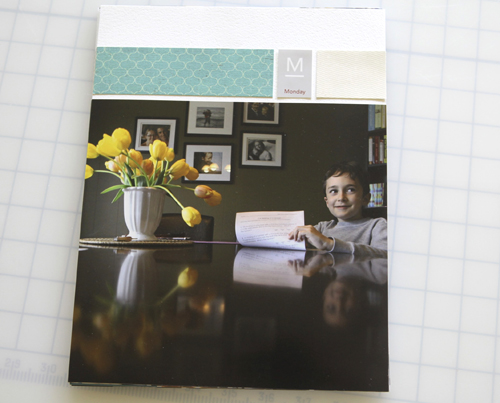
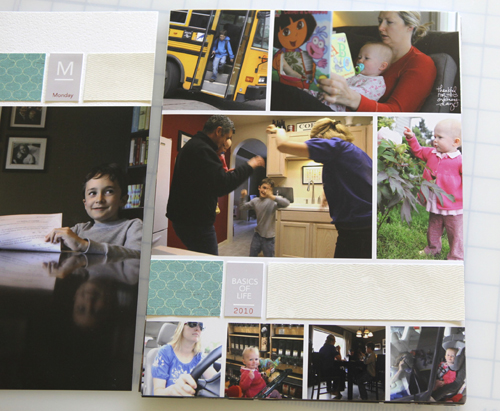
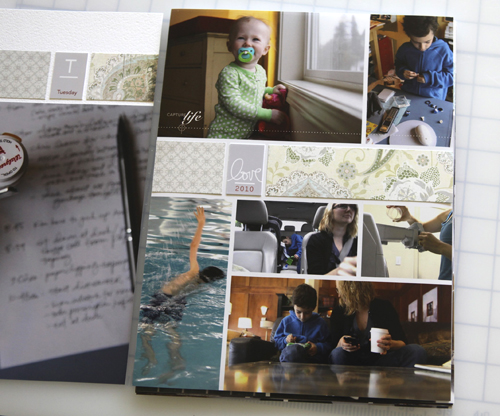
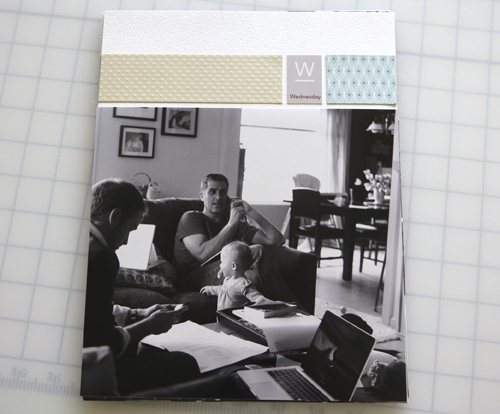
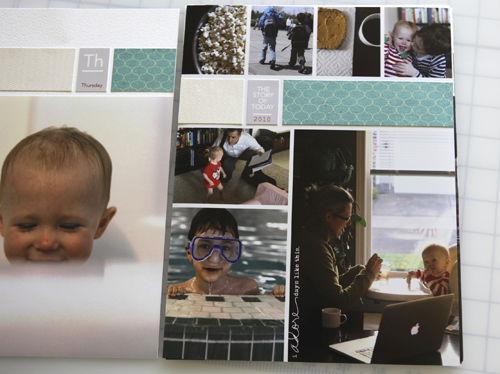
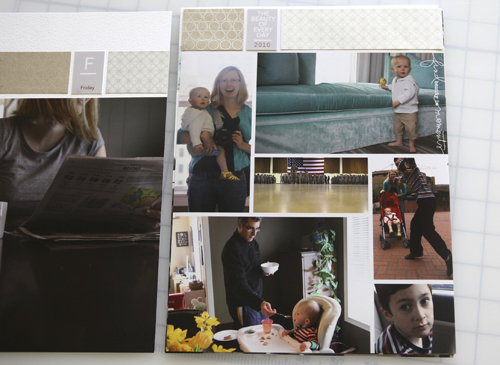
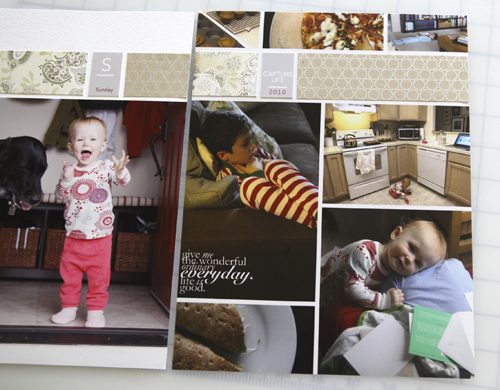
It's always so cool to have photos in hand. I really like how the 8.5x11 photo collage pages turned out and I decided not to cut them out and adhere them to cardstock. Originally I thought I would do that so that the papers "matched" but when it came down to it that was going to take me a whole lot longer and I just didn't want to spend the time doing that when it looked perfectly fine as it was. All I ended up doing was adhering the pattern paper strips and the tabs and calling it good for this portion of the album.
If you are paying really close attention you might notice that the long strip and the short strip of pattern paper are switched (long first vs. short piece first) in comparison with the layered template package. I happened to just dive right in adhering the strips and this is what I ended up with.
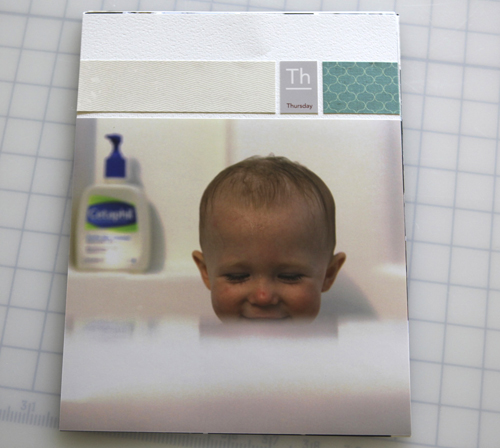
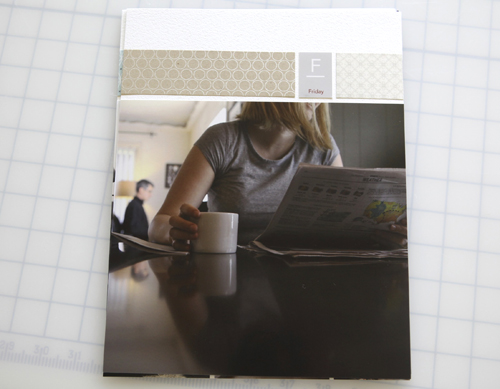
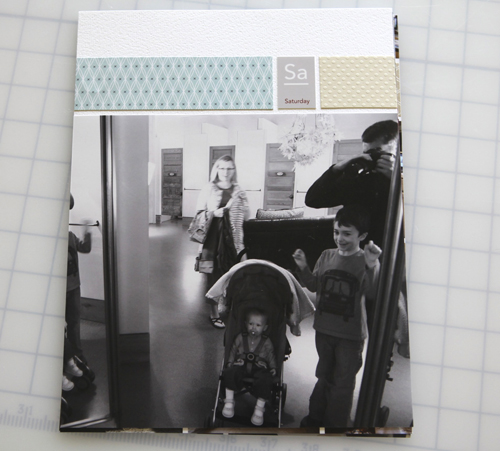
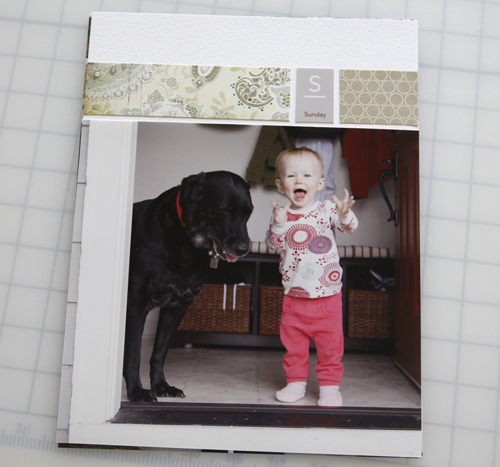
Here's a look at each of the photo pages (still working on the baseball card page protectors):



Supplies used can be found in this post.
Tomorrow I hope to have the whole album complete including a cover page, the baseball card page protector photos and the rest of my journaling.
Thank you to those of you who have been emailing me images of your project. I'm looking forward to showing other examples later this week. Feel free to send me some samples of your album at ali@aliedwardsdesign.com. Please put Week In The Life Example in the subject line.

Click here for a complete list of Week In The Life posts.


Comments
Sign in or sign up to comment.
96 comments
Thanks for showing us your process. I had great intentions to follow along, but ran into some major technical problems so I'm starting today. Seeing your finished album will give me that much more incentive to get finished!
Replies
Sign in or sign up to reply.
I have had 8.5 x 11 pages printed before and wasn't really happy with the colour and they were quite dark so I am nervous to have them posted out to Australia again.
Do you select any of the colour/processing options available where you got your pictures printed? ie none, computer or hand checked? I was wondering if it was because I selected no colour correction as to why I wasn't thrilled.
thanks
mel
Replies
Sign in or sign up to reply.
thanks Ali!!!!!
Replies
Sign in or sign up to reply.
Just amazing Ali! I love how you put together your project. It looks absolutely incredible!
Replies
Sign in or sign up to reply.
Just stunning Ali!!!
Replies
Sign in or sign up to reply.
This looks wonderful! I love the Friday opening page with you & your coffee and Chris in the background. Very cool:)
Replies
Sign in or sign up to reply.
Aw Ali, those pages are wonderful. What fantastic memories for your kids. I wish I'd been a scrapbooker 20 years ago is all I can say! I mean, I have photos of my daughter, but nothing like this true "reportage" of what our life was like then. Sigh.
Replies
Sign in or sign up to reply.
once again i am sooo inspired by you. i have tried to get started on this project several times now and don't seem to get going. my goal is to start this next monday and i love you style and pics. i wanted to ask you, how do you manage to get "candid shots" of your fam(like the one where you are replaying the scene from fantastic Mr fox in your kitchen) when you have to use the timer. I really am trying to be in the shots more and would love to know how you do this.
thanks again for all the time you spend inspiring us! I have to say that you have made me love words+photos so much more and taught me how to simplify my scrapbooking!
thanks for everything.
Replies
Sign in or sign up to reply.
ali! this looks sick! loves.
Replies
Sign in or sign up to reply.
Hello everybody, I'm working on my WIAL album,trying to do the collage page. I can't do it digitally so am trying to crop them myself, well the pictures I have left for this are not working out to well, I keep cropping and trimming to where now a lot of my photos are to cut up to use. Can anyone send me some advise or tips on you did it without being digital. I'm ready to just not put these pages in but really wanted some of the pictures. PLEASE HELP !! Thank you
Replies
Sign in or sign up to reply.
Can't wait to see it! I tinkered late in to the night yesterday and came up with a good solution. Hoping to send my pages to print today. :-)
Replies
Sign in or sign up to reply.
I love your daily pages! The template makes things flow so nicely together, and the soft colors of the page strips only adds to the softness of this record of your day-to-day. Beautiful!
Also, I don't know if this was intentional or not, but the pictures on Thursday - of Anna in the bathtub and of Simon in the pool - are such a wonderful combination! They're so similar...how neat to have that pair of pictures together. =)
Replies
Sign in or sign up to reply.
Hi Ali
I love the 4 x 6 prints split into 4 photos you ordered from scrapbookpictures.com. Can you tell me if this is something you did before you sent it to the printers & how difficult is it???
Thanks, really enjoying 'Week In The Life'...attempting my own this week.
Starr
Replies
Sign in or sign up to reply.
Hi Ali,
Thank you so much for this wonderful project. I have loved watching your pages develop. When you print out the templates at home, is there supposed to be a small, about 3/16 inch, white strip around the edges? If not, how do you get an edge to edge print? Or do you just trim? I'm using Photoshop Elements 8.
Replies
Sign in or sign up to reply.
Hi Ali, You mentioned the layered template package and suggested I use it to try in photoshop. Are there any of your templates that you could suggest that would be less costly for me to play with in my trial of photoshop? Thanks for your great work.
Replies
Sign in or sign up to reply.
Honestly...could your kids be any cuter??? I just adore their smiles! ty for sharing this project...I realllllllllly want to do this one day...xo
Replies
Sign in or sign up to reply.
Hi Jackie - absolutely! I have a free layered template download for just this purpose available here: http://www.aliedwards.com/2010/01/scrapbooking-with-your-computer-creating-layouts-with-layered-templates-.html
Replies
Sign in or sign up to reply.
Hi Juanita - it is going to depend on your printer. Some printers have the ability to print "borderless" which is the option you want to choose to have the photos go all the way to the edge.
Replies
Sign in or sign up to reply.
Hi Starr - check out this post for more information (and a video tutorial) on those - they are actually 5x7: http://www.aliedwards.com/2010/04/week-in-the-life-the-photos.html
Replies
Sign in or sign up to reply.
Thanks K :).
Replies
Sign in or sign up to reply.