Adding Text To Overlays + Long Journalers In Elements And Word | Video Tutorials
Tags: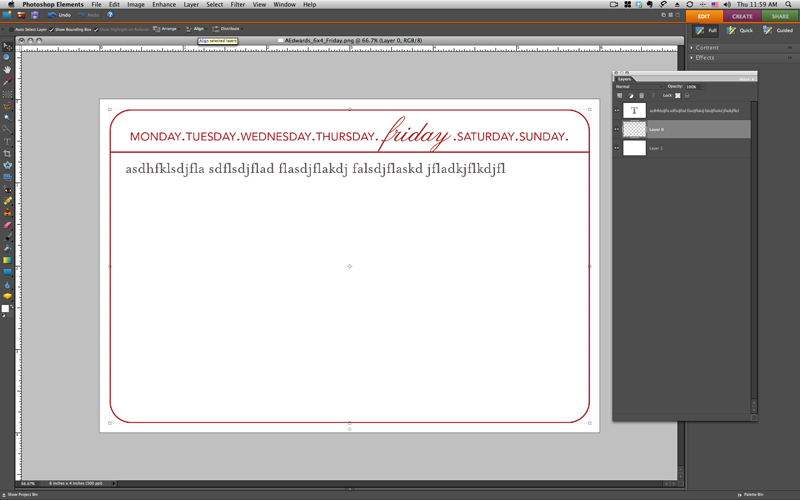
Today's video tutorial shows you the simple technique of adding text to a Long Journaler or other overlay in Photoshop Elements.
Ali Edwards | Adding Text To A Long Journaler/Overlay in Elements from Ali Edwards on Vimeo.
These Long Journalers (and any other PNG files) can also be opened in Word.
Here's a video that walks you through the steps:
Ali Edwards | Adding Text To An Overlay In Word from Ali Edwards on Vimeo.
DESIGNER DIGITALS QUARTERLY SALE
The Designer Digitals quarterly sale begins today. Everything in the store is 30% off through early Tuesday morning.
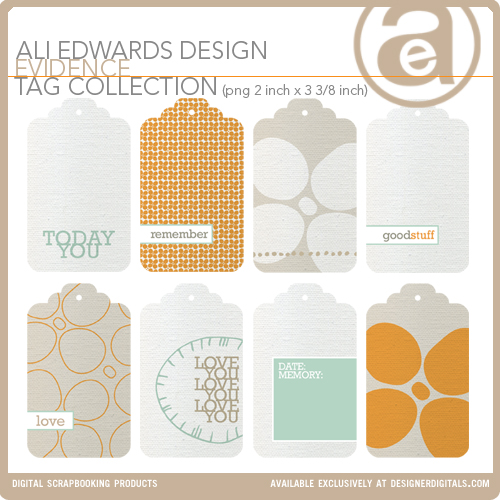
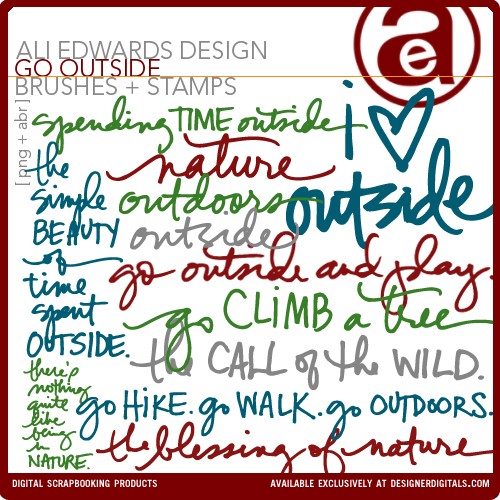
Here's a look at the new products I have coming out today:
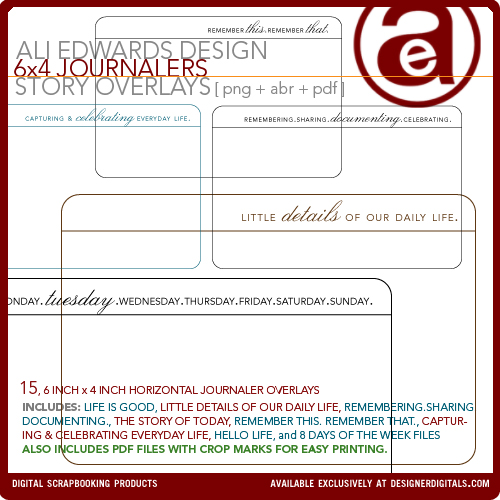
6 inch x 4 inch Journalers. This package also includes a PDF file for easy printing. I used these in Week Five of Project Life.
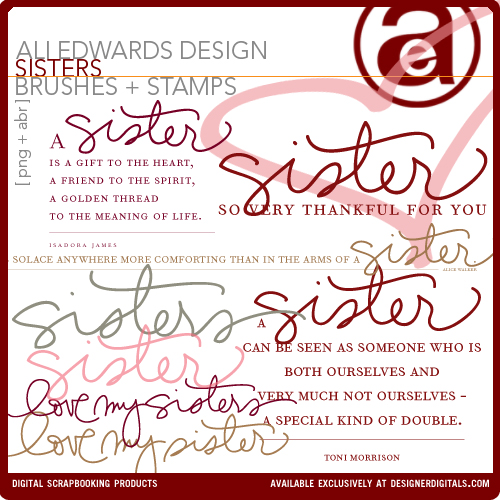
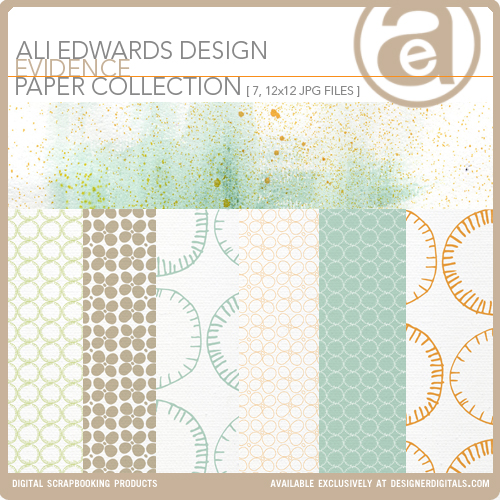
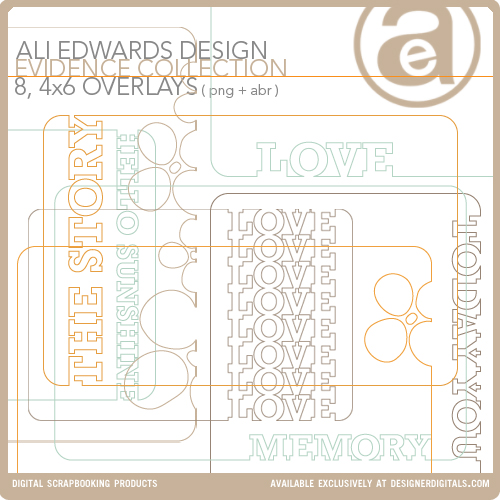
Evidence 4x6 Overlay Collection
Have a great rest of the week!
Interested in getting started with digital scrapbooking or learning more about using your computer for telling your stories? Check out my list of posts and video tutorials on my Getting Started With Digital Scrapbooking page. My video tutorials can all be found in my Video Tutorial category archive or you can check them all out together on my Vimeo channel.


Comments
Sign in or sign up to comment.
51 comments
Love all the new stuff Ali!
Replies
Sign in or sign up to reply.
Love that "sister" word art. Being a mom of a girl and boy just like you - it's almost impossible to find anything specific to that sibling set. Do you think you could come up with some brother/sister word art for us *extra blessed mama's* ?? :D
Replies
I would LOVE that also! My son is 11 and my daughter is 7. I feel like an extra blessed mommy as well!
AWESOME!
I would love that too, have a son & twin girls. :)
I'd love that too!!
Sure Melissa - I will add that to my list :)
Sign in or sign up to reply.
Thanks, for taking the time to do the video tutorials, I find them extremely useful :)
Great new stuff too.
Replies
Sign in or sign up to reply.
Beautiful new products and a great, helpful video. I thought I needed to be a Photoshop genius to use all these lovely things, but you've made it look so straightforward! Thank you!
Replies
Sign in or sign up to reply.
Ali, I'm curious how you are designing the papers? Hand drawing? Computer graphics? Probably a mix, as I think while typing this. I guess it doesn't really matter because they are gorgeous no matter how they are made! Sorta wish I was a digital person after seeing these. . .
Replies
Hi Jill - it's a mix of both. The last two collections I've released have included original painting/mixed media pages + hand-drawn elements scanned in and made into patterns, + pure computer patterns.
Sign in or sign up to reply.
[...] This post was mentioned on Twitter by Ali Edwards and Maureen, Josephina Mydreama. Josephina Mydreama said: Adding Text To Overlays + Long Journalers In Elements And Word | Video Tutorials: Today’s… http://goo.gl/fb/fqpJS [...]
Replies
Sign in or sign up to reply.
Wow, Ali, great new products. Love the tags and the outdoor words!
Replies
Sign in or sign up to reply.
Ali~ I just got some of your new stuff! Thank you...love it! I was wondering what font you use so that I can coordinate some digital writing on photos & such?
Thanks!
Replies
I have the Evidence, Love You Because & Kids Are Cool :) Also I purchased the ABC Strip, but would lOVE to find that font somewhere!
Thanks so much!
Hi Jessica - which set?
Kids Are Cool mixes my handwriting with Rosewood and Avenir.
Evidence uses Rockwell.
Love You Because is my handwriting and Orator.
Thanks Ali, I have these too and have wondered what font you used.
Sign in or sign up to reply.
I've found your video tutorials so helpful in learning how to use your wonder digital art from DD. I'm new to digital scrapbooking, but little by little I'm getting it. I can't tell you how many times I've replayed the same video over and over just to finally "get it." Thanks for much.
Replies
Sign in or sign up to reply.
just got the 6x4 journalers - LOVE being able to print them right off & use them in project life. thanks, Ali!
Also, i've been meaning to tell you about an app i know you would love - pocketbooth. do you already have it? a photo booth right on your phone! love it and use it all the time - my kiddos actually cooperate for those photos, excitedly waiting on the strip to drop down into the slot. :) I've printed several and they look great. You may already know about it, but in case you didn't, had to let ya know!
Replies
Kirby,
how do you print them out? at home or at photo lab...my friend has tried but she cant print them out and I am going to download app for my iphone, so wanting to know how to print them.....and the hipstamatic ones. thanks
Sign in or sign up to reply.
[...] Adding Text To An Overlay And Long Journaler in Elements AND Word (video tutorial) [...]
Replies
Sign in or sign up to reply.
Ali you are great a making things seem easy. A printer question, I received a B8550 for Christmas, and I use PSE8. When printing, I have to go in and use advance settings everytime, this seems so time consuming. Am I missing something?
Then when changing paper trays it is NOT automatic, I have tried to keep the paper trays ready with the desired photo paper, however even when I specify the photo tray with say 4X6 photo paper, I have to make sure the main tray is empty, because the printer will try to draw the 8.5x11 and then aborts because paper is the wrong size.
The other thing I seem to encounter is the change in dpi. Sometimes I just want a simple 300 or 600dpi to conserve ink, but again I am back through all the advanced settings prompts to get there.
I have attempted to work through this on my own, but become frustrated and could use some help. I am certain it is a simple operator error. I hope it was ok to ask it here. I want to use all my new pngs on my photos.
Thanks for any help. Jill Broyles
Replies
Are you on a Mac or a PC Jill?
I am on a PC sorry I should have thought of that
Sign in or sign up to reply.
What is the best program to get for doing the digital things you do? Or what's the minimum you need? I have always loved them and never took the time and just used what I have. I'm a PC person.
Long story short, we had a fire in our house, everyone is safe and fine, but I lost all (other than most pictures) my scrapbooking stuff. But it gives me the chance to reevaluate what I love best about scrapbooking and change directions (some hybrid) as well.
Replies
Hi Jenny - I'm so sorry to read about your house.
My recommendation is for Photoshop Elements. You can download a free trial via Adobe here (all my tutorials are in Elements unless otherwise noted): https://www.adobe.com/cfusion/tdrc/index.cfm?product=photoshop_elements&loc=en_us
You can also check out my Getting Started With Digital Scrapbooking Page (includes free downloads to "try" things out): http://aliedwards.com/2010/01/getting-started-digital-scrapbooking.html
Thanks for the suggestions.
WE are all fine. We thank God for that and realize that the rest is just stuff. My 4 boys are doing great with it and love all the new toys. Throughout it all God has been good and using many people to help us out.
Sign in or sign up to reply.
Thank you for your tutorials. They're really easy to understand. I've finally started some digital scrapbooking thanks to you! I love your simple clean designs as well.
Replies
Sign in or sign up to reply.
Thanks for the tutorials, Ali. Do you have any tips on how to convert your 8.5x11 The Story of Today journalers (which I have purchased previously) to 4x6 ? And how to convert your 4x6 Story Overlays above (which I'm going to get on sale!) to 8.5x11? I find that I'm always wanting to use the various digi templates slightly different from how they are set up depending on my mood and layout needs.
Replies
Sign in or sign up to reply.
Thanks so much for the vids! Love the new goodies!
Replies
Sign in or sign up to reply.
I am new to the concept of digital scrapbooking. I looked for local photo shops that would print in a 12 by 12 format and none offer it. How do I find a printer to work with? I would like to try some of this but it doesn't do any good if I can't get things printed at a reasonable price. Thanks so much.
Replies
Costco does indeed do 12x12 prints. The price is $2.99 for the 12x12, as well as the 12x18, and 11x14.
8x8, 8x10 and 8x12 are only $1.49.
4x6 are $.13
Well worth the price of membership [$50] if you print a lot of photos!
I'm pretty sure Costco and Winkflash both do 8x8 and 12x12.
Hi Theresa - many people use online services such as Scrapbookpictures.com and http://www.persnicketyprints.com/ or Costco (I think Costco does 12x12). The cost is usually around $2 per print.
Sign in or sign up to reply.
Oh my goodness! I can't wait to work with all these new goodies! I love them! Thanks Ali! ~Jen
Replies
Sign in or sign up to reply.
Thank you so much for sharing!
I was quite surprised to hear a total different voice then the one I remembered when we met (about 3 times in the NL). What happened?
Replies
What's the NL? Same me :). Same voice.
Sign in or sign up to reply.
Thank you Ali for taking the time to make a video tutorial about how to use you overlays in word. I love to be able to include more journaling in the Project Life album.
Replies
Sign in or sign up to reply.