Adding Text To Overlays + Long Journalers In Elements And Word | Video Tutorials
Tags: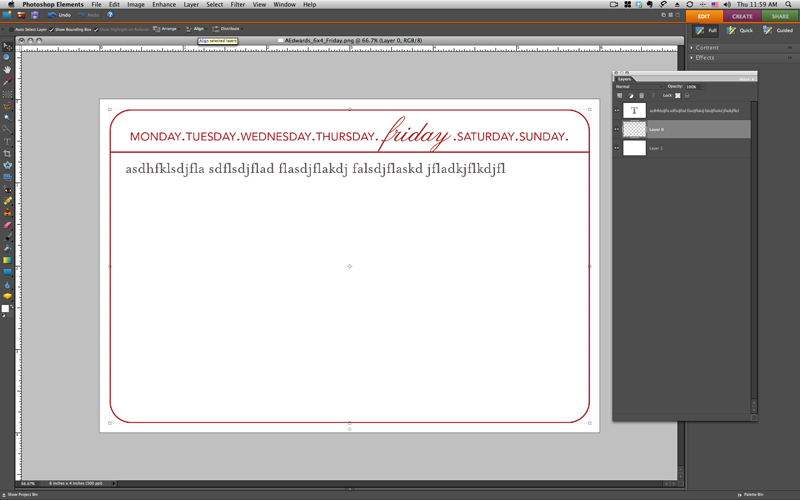
Today's video tutorial shows you the simple technique of adding text to a Long Journaler or other overlay in Photoshop Elements.
Ali Edwards | Adding Text To A Long Journaler/Overlay in Elements from Ali Edwards on Vimeo.
These Long Journalers (and any other PNG files) can also be opened in Word.
Here's a video that walks you through the steps:
Ali Edwards | Adding Text To An Overlay In Word from Ali Edwards on Vimeo.
DESIGNER DIGITALS QUARTERLY SALE
The Designer Digitals quarterly sale begins today. Everything in the store is 30% off through early Tuesday morning.
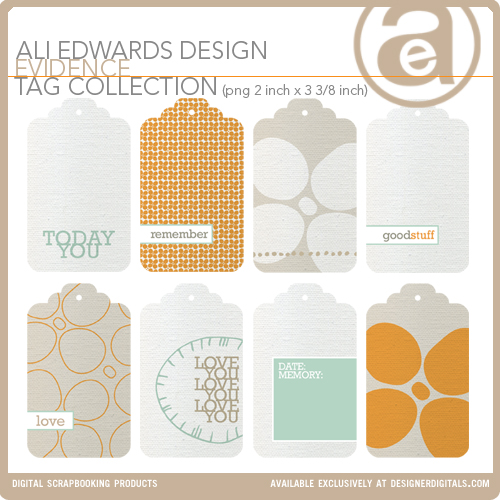
Here's a look at the new products I have coming out today:
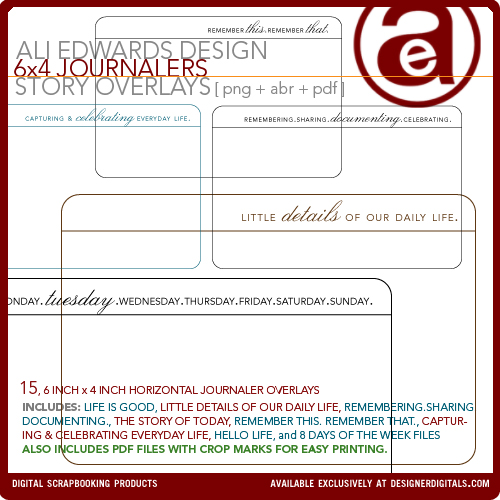
6 inch x 4 inch Journalers. This package also includes a PDF file for easy printing. I used these in Week Five of Project Life.
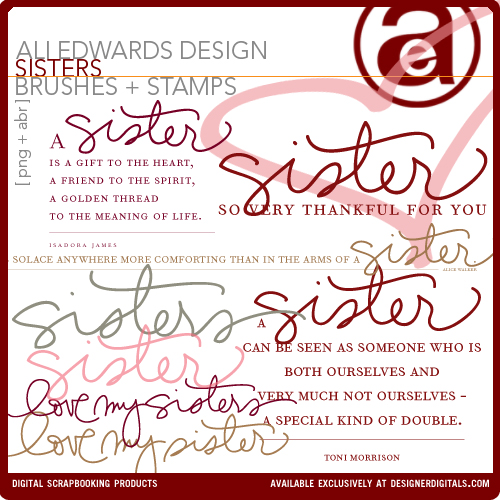
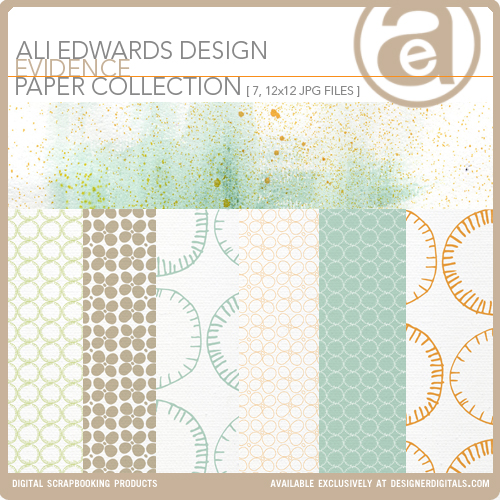
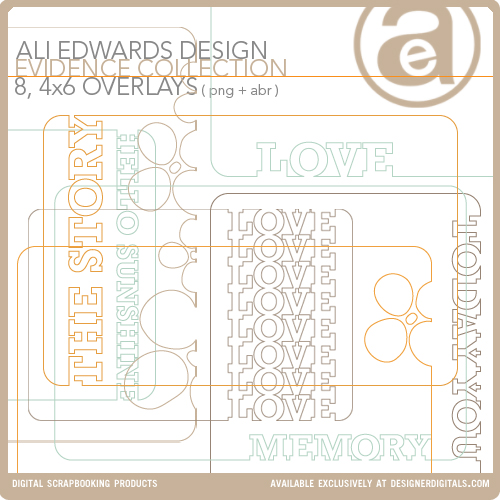
Evidence 4x6 Overlay Collection
Have a great rest of the week!
Interested in getting started with digital scrapbooking or learning more about using your computer for telling your stories? Check out my list of posts and video tutorials on my Getting Started With Digital Scrapbooking page. My video tutorials can all be found in my Video Tutorial category archive or you can check them all out together on my Vimeo channel.


Comments
Sign in or sign up to comment.
51 comments
[...] If you’d like more information on working with the long journalers or other digital overlays, including how to add your text, go here for video tutorials using both Elements and Word. [...]
Replies
Sign in or sign up to reply.
Ali-would you be interested in creating journaling cards that would enable you to use Project Life as a baby album? I'm imagining 4x6 and 8-1/2 x 11" sized overlays that prompt you to document the preparations, arrival, family history, birth details, etc, using great fonts and your beautiful handwriting. Thanks, Kerri
Replies
Sign in or sign up to reply.
Can you use your 4X6 journalers to print onto the 4x6 journal cards provided in the project life kit? If so do you just feed the card into your printer?
Replies
Hi Amanda - just seeing this now. I think you could do that. Usually what I would do is use a piece of 8.5x11 as "scratch" paper - run it through so I know where it will print - and then use a temporary adhesive to attach the journal card onto the paper and then run it through the printer again.
Sign in or sign up to reply.
hi ali~
i am new to photoshop elements and have never done any digital/hybrid scrapbooking but am trying to learn. i just purchased your long journalers (and some otherw), a first as well. after emailing back and forth with designer digitals i learned how to unzip the files etc... and i just watched your video tutorial on how to add text to the long journalers in pse. so here i am feeling all cool thinking that i finally figured something out and when i go to actually start typing i can't read it cuz it's so small, i tried using the magnifying glass but it screwed it all up. i do have a long story to tell, it will probably need 2-3 long journalers so i need to see to type. i feel so silly for asking you this but what do i need to do to accomplish this? also, is there any resizing that needs to be done to the long journalers, how do you save them (what type of file) and then i just print them out on my computer at home?? any info you can give me is much appreciated. it drives me crazy that it always takes me forever to figure things out! i think you are amazing and thank you for all the wonderful inspiration you provide on a daily basis:)
Replies
Hi Juli - to resize the type in the text box you need to select the type (usually double clicking inside the text area/on top of the text will do the trick) and then look up towards the top of your screen you'll see a box with the type-size listed. Increase that number until you are able to read it. You shouldn't need to resize the long journalers - I just print them on 8.5x11 sheets of paper. I save them as a JPG.
You also might want to check out my Getting Started With Digital Scrapbooking page. There's a bunch of links and tutorials that might be very helpful for you as you get started: http://aliedwards.com/2010/01/getting-started-digital-scrapbooking.html
Sign in or sign up to reply.
[...] If you’d like to learn more about working with long journalers in both Photoshop and Word (including video tutorials) check out this post. [...]
Replies
Sign in or sign up to reply.
The Word video doesn't seem to be working....
Replies
Thanks for letting me know. Here's the link: http://aliedwards.com/2011/02/adding-text-to-overlays-long-journalers-in-elements-and-word-video-tutorials.html
Thanks, I got it now~
Sign in or sign up to reply.
Ali, thank you for sharing this. You teach me so much! Kisses, Ilana.
Replies
Sign in or sign up to reply.
[…] Adding Text To Overlays + Long Journalers In Elements And Word | Video Tutorials […]
Replies
Sign in or sign up to reply.