Week In The Life™ 2018 | Getting Started Bringing It All Together
Tags: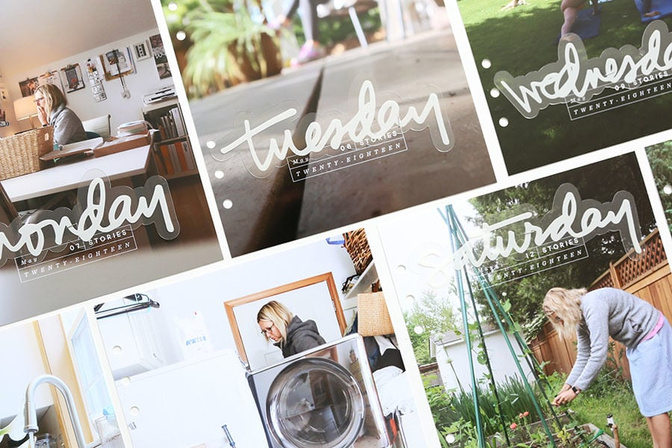
Phase Two of Week In The Life™ is underway around here.
Yesterday I started the process by printing out my intro photo, a reason why page, and each of my daily title pages.
Here's a video overview of what I've done so far:
And a look at how I use the 6x8 Layered Templates for my daily title pages:
And here are a few photos for a closer look:
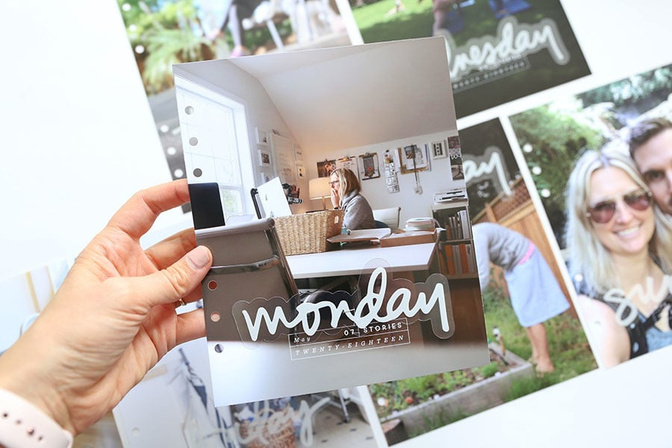
I started by printing out daily title pages that are the same size as the page protectors (6.75 inches x. 8.25 inches). I used this 6-hole punch to be able to add it to my album.
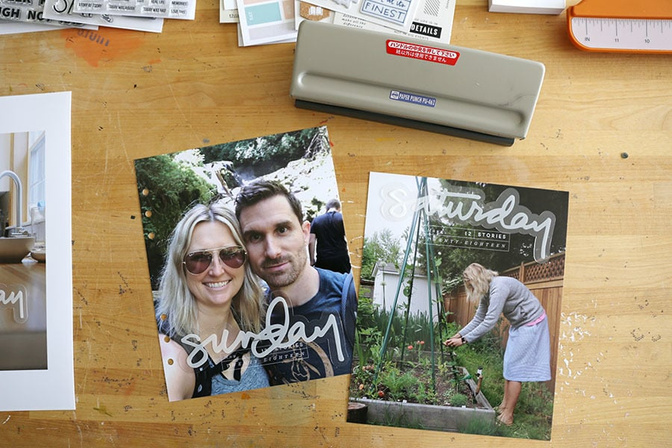
As you saw in the video above I left off the day of the week from the layered template set and instead used the plastic hand-drawn word art from the Main Kit.
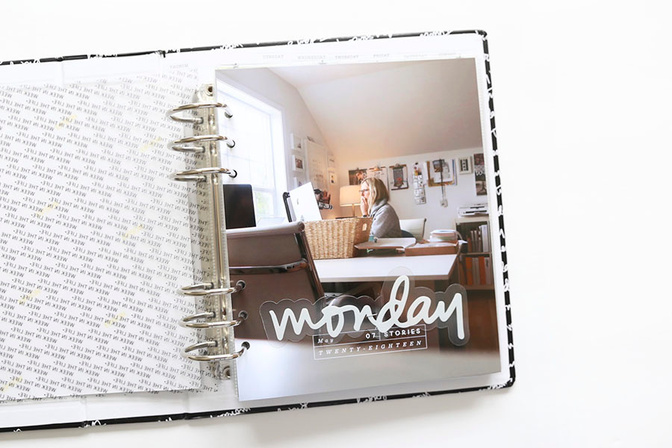
I created a page just like this for each day of the week and am currently planning to add a page of journaling to the back of each of these title pages.
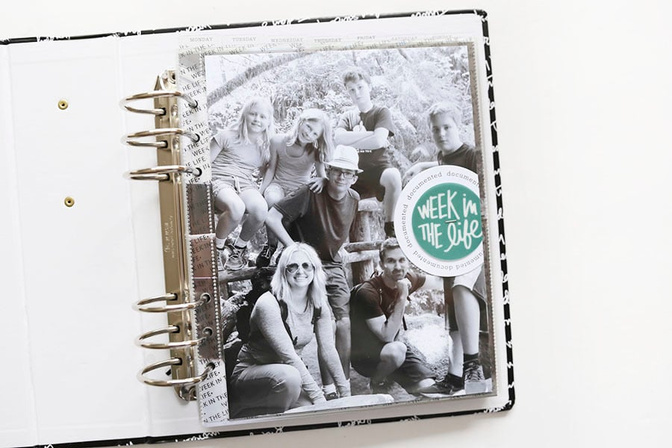
In addition to each of those daily title pages I printed out a 6x8 photo for the opening page of my album. On top of the photo I added a circle from the Story Card Bundle and a plastic circle from the Die Cut Bundle.
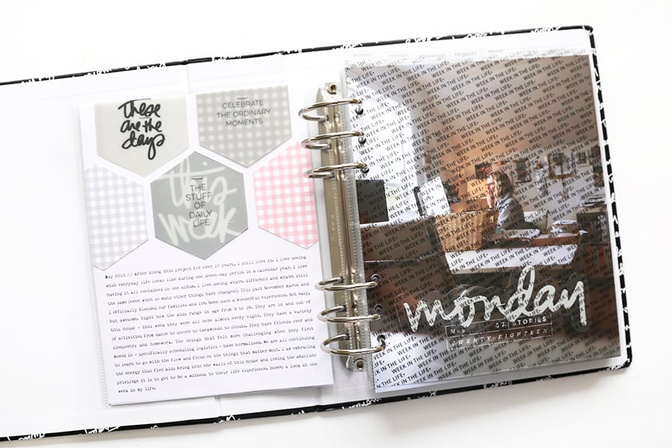
On the back side of the opening page I wrote out my "reason why" for this project which simply states a bit about what life looks like around here right now.
On the top of the journaling I played with the plastic hexagons and pattern cards from the Main Kit. I used the plastic hexagon as a template to cut additional hexagons from the patterned journal cards.
I'm feeling super excited to have this part of the project underway. I'll be back soon with another update as I work through the process.


Comments
Sign in or sign up to comment.
14 comments
Love love love this so far!!! I also thought about doing full page photos and adding the clear days of the week. Now I don’t even know if it was an original idea! Lol. I also love what you did with the hexagons and might have to scraplift that!!
Replies to kelsterjean
Sign in or sign up to reply.
Looking so good already... Can't wait to see the rest!
Replies to Lize
Sign in or sign up to reply.
Love all of this! I ordered some large prints on Sunday night, which are due tomorrow and I now can't remember if I got one for each day cause I also want a large print with the days of the week as my first daily page, ha. Oh well if I didn't I will just need to do another order.
Replies to CarolineMcD
Sign in or sign up to reply.
Thank you so much for sharing how to recolor the word art in the templates. Super helpful!
Replies to mom22cherubs
Awesome!
Sign in or sign up to reply.
Love your album this year so far!!!
Replies to adawson816
Sign in or sign up to reply.
Love this! I was super excited to see this post. Question, how'd you get the photo you printed for Monday so much brighter than it's original? Did you use rad lab and their filters? Do you have particular go to filters?
Replies to jamie59
I adjusted the Levels/Curves in photoshop.
Sign in or sign up to reply.
LOVE your album so far, but that is NOT surprising! Eeeeek! It's it's SO good! I can't wait to see it completed! Thank you for inspiring me! XO!
Replies to KProffitt
Sign in or sign up to reply.
Beautiful album! I bought the layered templates from the shop to use in my album (the BEYOND adorable 3x8 album from your shop) and I'm creating my own titles to go along with my pics - can I possibly ask what font you used for the titles in the 3x8 template pack?! My OCD is having issues trying to match the font. :)
BTW - this is my first year doing WITL and I beyond loved it. I had always followed along from afar, but seriously Allie, this is the best project EVER. Wishing I had started this years ago. Thanks for the projects, cultivating a wonderful community and the pure awesomeness!
Replies to CaKee
The font used is called Quick.
Sign in or sign up to reply.
These blog posts have been immensely helpful. Can you please share what font your used for your journaling? Thank you in advance.
Replies to AnnaMariePea
Remington Noiseless.
Sign in or sign up to reply.
Hi Ali, I'm using these 6x8 templates for another project (working with what I've already got) as the box for each day works really well. I need to change the dates and the year and am wondering what fonts were used? Thanks
Replies to hklally
Sign in or sign up to reply.